


TL;DR The best field sales software gives reps one app to plan visits, take orders and record what they find in each store, and shows managers that field activity the same day. If your brand sells through distributors and retailers, start with one platform that covers visits, orders and distributor stock, and add other tools only where it falls short. Test your top two choices with a short pilot on real routes before you sign.
Field sales software is a mobile app and web dashboard for teams that sell outside the office, in shops, at distributors and at customer sites. On each visit, a rep uses the app to check in, take the order, count the stock, photograph the shelf and note the next step. The software sends all of that to one place, so a manager can see which stores were covered, what sold and where the gaps are, without waiting for a weekly report. Most products also offer field sales automation: beat plans, reminders, approvals and order suggestions that take routine work off the rep.
The best field sales software for your team depends on how it sells. If reps visit the same shops on a fixed beat (the set of stores a rep covers on a regular cycle) and take orders for a distributor to fill, you need order capture, distributor stock and an offline mode in one app. If reps chase a small number of large deals, a CRM with a good mobile app may be all you need.
Below, 33 tools are grouped by the job they do, with five picks for each job. Some picks are full platforms. Others are everyday apps that teams use alongside one. BeatRoute is our own product, so it is listed first in every category. Judge it by the same tests as the rest.
How to choose field sales software
Start with the work your reps do on a normal day, and leave the feature list for later. Walk one route with a rep and write down every task: check in, look at the shelf, take the order, collect a payment, note what other brands are running in the store. The right tool handles all of those in one visit, in one app. Then use the table below to see which kind of tool fits your team.
| Kind of tool | What it does | When it is enough | Where it falls short |
|---|---|---|---|
| Field sales and distribution platform | Beat plans, orders, distributor stock, store audits and reports in one app | Brands that sell through distributors and retailers, with reps on fixed beats | Takes more setup than a single-purpose app |
| Sales CRM with a mobile app | Leads, deals, contacts and pipeline stages | Teams that sell a few large deals to other businesses | Thin on daily store visits, shelf checks and distributor orders |
| Field service tool | Jobs, tickets and technician dispatch | Teams that install, repair or maintain equipment | Built around tickets, so sales targets and orders are rarely covered |
| Tracking and time apps | Location, attendance and hours worked | Small teams that only need to know who went where | No link to orders or shelf work |
| Maps, chat and BI apps | Directions, messages and charts | Filling one gap next to a main system | Data ends up spread across several apps |
What to check before you shortlist
- Order capture at the shelf. Can a rep take an order in a few taps, with the right prices and discounts for that store?
- Offline mode. Does the app save orders and photos with no signal, then sync later without creating duplicates?
- The distributor link. Do orders reach the distributor, and can you see distributor stock and what each distributor sells on to retailers in the same system?
- Beat and route planning. Can a planner build beats at head office, and can the app reorder a rep’s day when a store is closed?
- Proof of work. Are check-ins geo-tagged, and do photos and audits give a manager something they can trust?
- Reports a manager will read. Can a manager see coverage, productive calls and lines per order by rep and territory without exporting to a spreadsheet?
- Fit with your systems. Does it connect to your ERP and accounting software, and how long does setup take?
How to run a pilot before you buy
Run a pilot on your own routes, with your own catalogue and reps, before you sign. Keep it small and agree the rules before you start:
- Pick two or three territories: a busy city beat, a small-town route and one area with weak signal.
- Load your real outlets, price lists and trade promotions, and connect at least one distributor.
- Run the pilot for at least one full order cycle with that distributor.
- Measure the same things before and during the pilot: stores covered, productive visits, lines per order and the time from order to distributor.
- Ask reps every week what slowed them down, and fix the setup as you go.
Decide on the numbers and the rep feedback together. A tool that managers like but reps avoid will not last.
Best field sales management software
Field sales management software runs the whole working day in one place: territories, beat plans, orders, store audits and reports. If you buy only one tool, buy this kind, then look at the other categories only for the gaps it leaves.
1. BeatRoute
Website: https://beatroute.io/
BeatRoute is a field sales and distributor management platform for consumer brands that sell through distributors and retailers. Reps plan their beat, take orders, run store audits and check distributor stock in one app. The same data flows into the distributor side, so nobody has to rebuild the report of what distributors sold on to retailers by hand at month end.
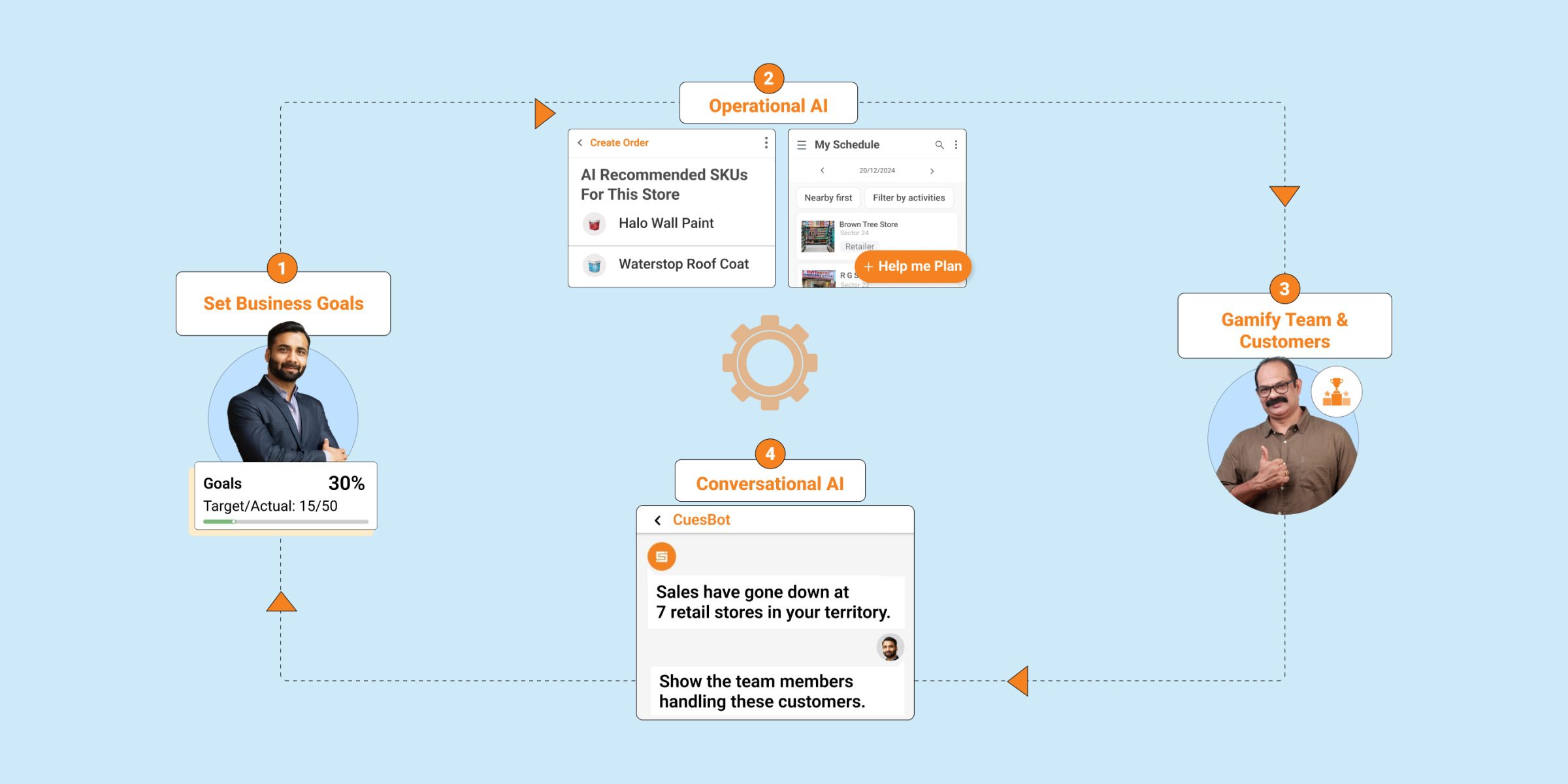
More than 200 enterprise brands in 20+ countries use BeatRoute, and most teams go live with sales force automation in 21 days. Cremica Food Industries increased sales productivity per sales rep by 30% with BeatRoute (read the Cremica case study). It suits brands with large teams on fixed beats. If you have one distributor and a few reps, simple billing software and a shared order sheet will do.
Key features:
- Sales force automation and distributor management on one platform
- Beat plans, orders, audits and payment collection in the same visit
- Geo-tagged visits with an offline mode for low-signal areas
- Connects to your ERP and accounting systems
2. 1Channel (formerly Assistive)
Website: https://www.1channel.co/
1Channel is an AI-assisted sales execution platform aimed at B2B field teams. It combines visit workflows, order capture, and real-time reporting to reduce the admin load on sales reps and give managers cleaner pipeline data. Contextual nudges prompt reps based on live field data, which helps close the gap between what happens on the ground and what HQ sees on dashboards.

Key features:
- Intelligent nudges for reps based on real-time field data
- Automated sales reporting and performance tracking
- CRM integrations to sync account and pipeline data
- Configurable sales workflows for different verticals
3. OnePageCRM
Website: https://www.onepagecrm.com/
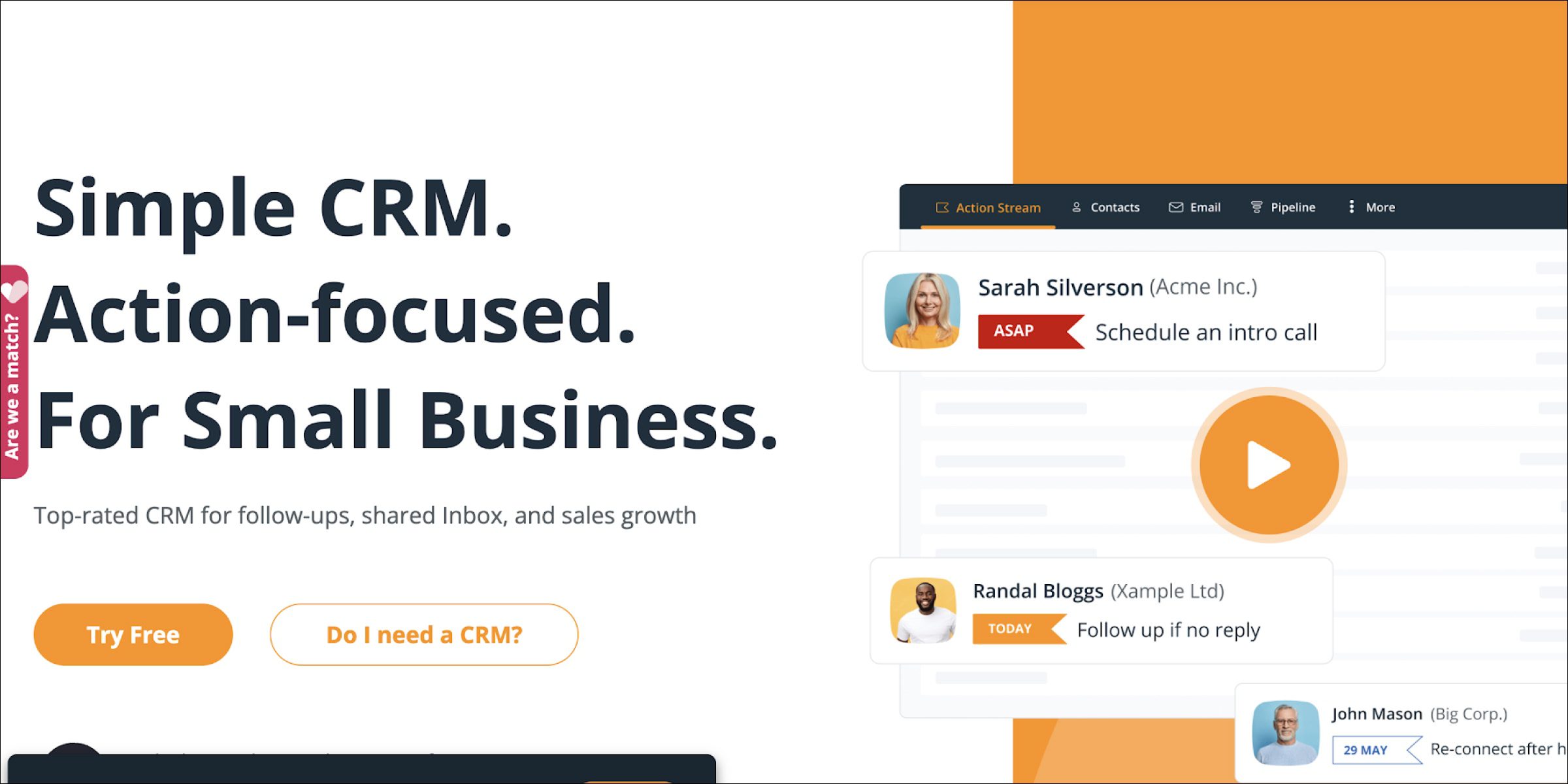
OnePageCRM is an action-focused CRM built for small and mid-sized sales teams. It turns the pipeline into a running to-do list so every contact has a clear next step, which keeps field reps moving through opportunities instead of staring at dashboards. The mobile-first design makes it easy to log a call or update a deal between meetings, and the lightweight setup means teams can roll it out in days rather than months.
Key features:
- Action-stream pipeline that enforces a next step on every contact
- Mobile app designed for field reps on the move
- Email, Google Maps, and Zapier integrations
- Simple custom reports for activity and pipeline health
4. Maptive
Website: https://www.maptive.com/
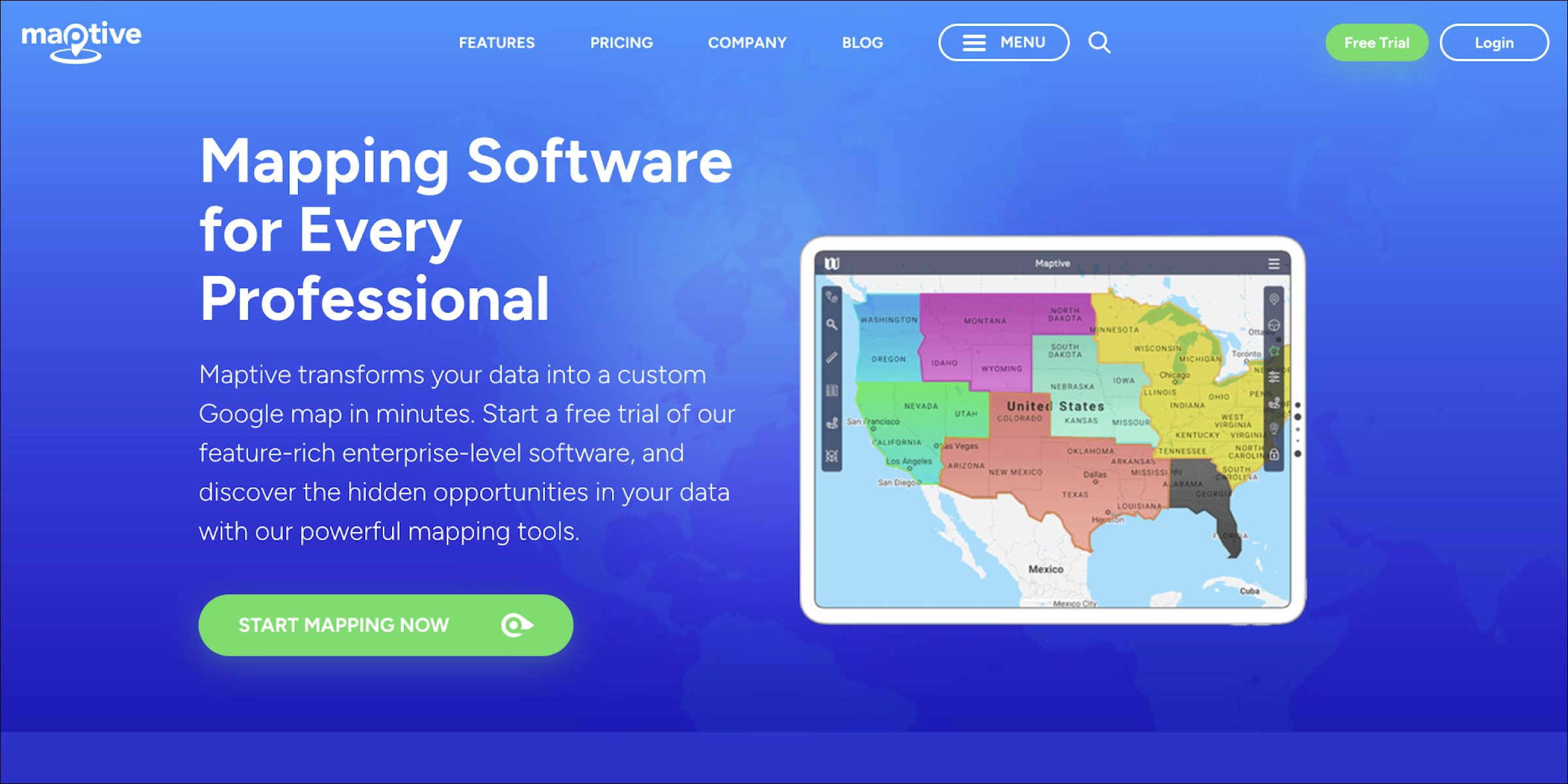
Maptive is a location-intelligence and mapping tool that lets field sales teams visualise customers, leads, and performance data on a map. It is useful for territory design, balancing workloads across reps, and spotting coverage gaps by region. Teams can layer CRM data on top of geography to see where revenue concentrates and where whitespace sits.
Key features:
- Custom mapping for territory and route planning
- Sales data visualisation for strategic decisions
- CRM and spreadsheet imports
- Filtering and segmentation by region, rep, or metric
5. Google Meet
Website: https://meet.google.com/
Google Meet is best known as a video conferencing tool, but it plays a steady supporting role in field sales. Reps use it to loop in sales engineers mid-visit, hold virtual product demos with distributors, and keep remote managers in the loop without adding travel. For teams that already live in Google Workspace, Meet avoids yet another login and integrates cleanly with calendars and email.
Key features:
- Real-time video conferencing for remote collaboration
- Screen sharing for product demos and presentations
- Native integration with Google Workspace
- Cross-device access from mobile and desktop
Best field sales tracking app or software
Tracking tools tell you where your outside sales team is, when each rep started the day and how long each visit took. Location on its own says little, because a rep can spend a long time in a store and sell nothing. Look for tracking that ties each check-in to what happened on the visit, and tell reps up front what is tracked and why.
1. BeatRoute
Website: https://beatroute.io/
Every check-in in BeatRoute is geo-tagged and linked to what the rep did in that store: the order, the shelf photos or the audit. A manager can tell a productive call from a quick stop at a glance, and each rep sees their own scorecard of visits, orders and audit scores during the day.
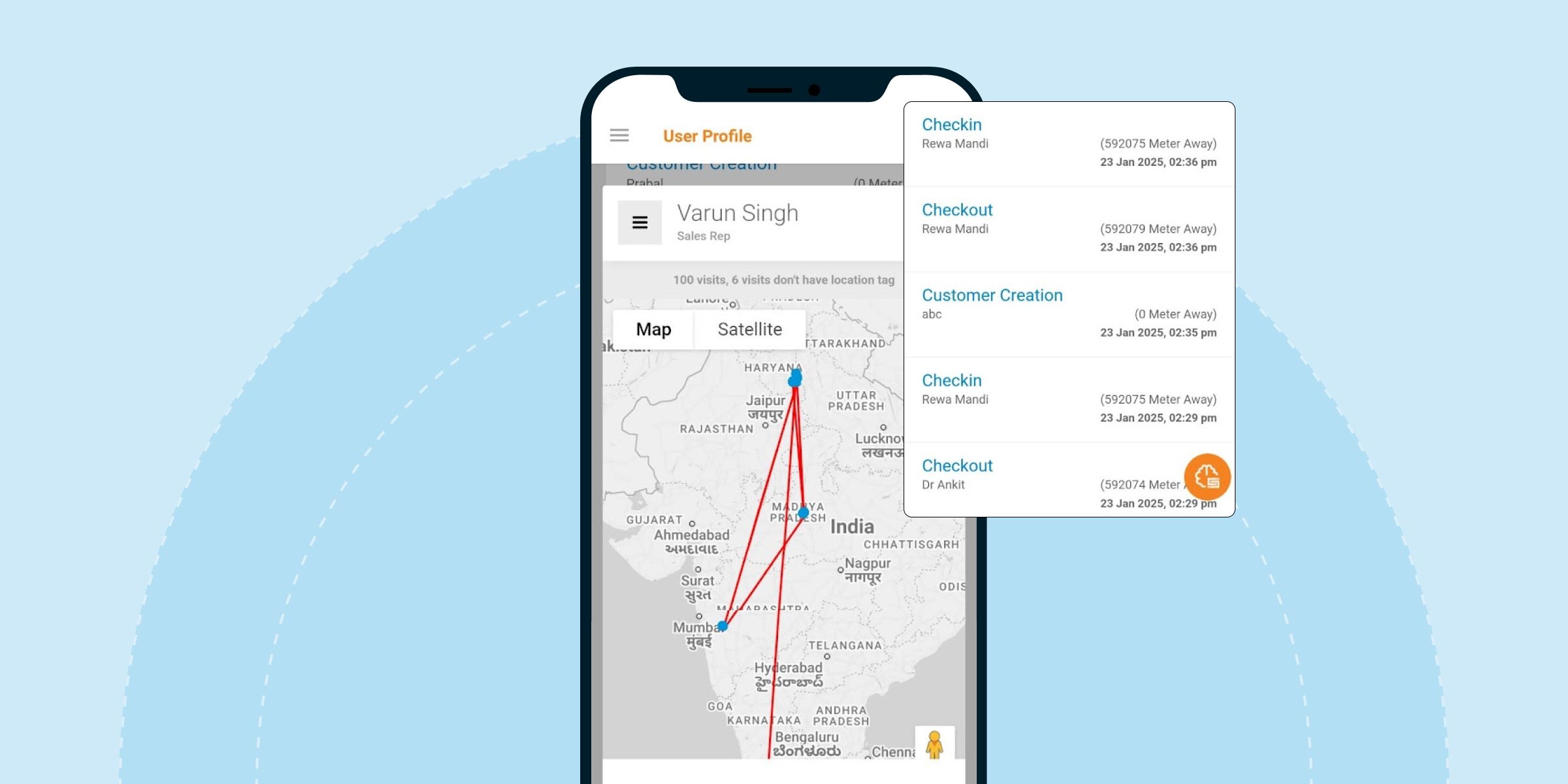
That visit data also drives the Scheduling AI Agent, which picks the next stores for each rep based on what each store needs. Productive visits rose from 45% to 78% with the Scheduling AI Agent. Valvoline Cummins used BeatRoute SFA, routing and geo-tagged visits to lift customer connect, the share of each rep’s assigned customers they actually reach, from 25–30% to 70%+ (read the Valvoline Cummins case study). Teams that only need attendance and location can use a simple tracking app instead.
Key features:
- Geo-tagged check-ins linked to the order, photos or audit from each store
- A live view of which rep is in which store
- Rep scorecards for productive calls, orders and audit scores
- AI-led visit and beat planning
2. Glympse
Website: https://www.glympse.com/
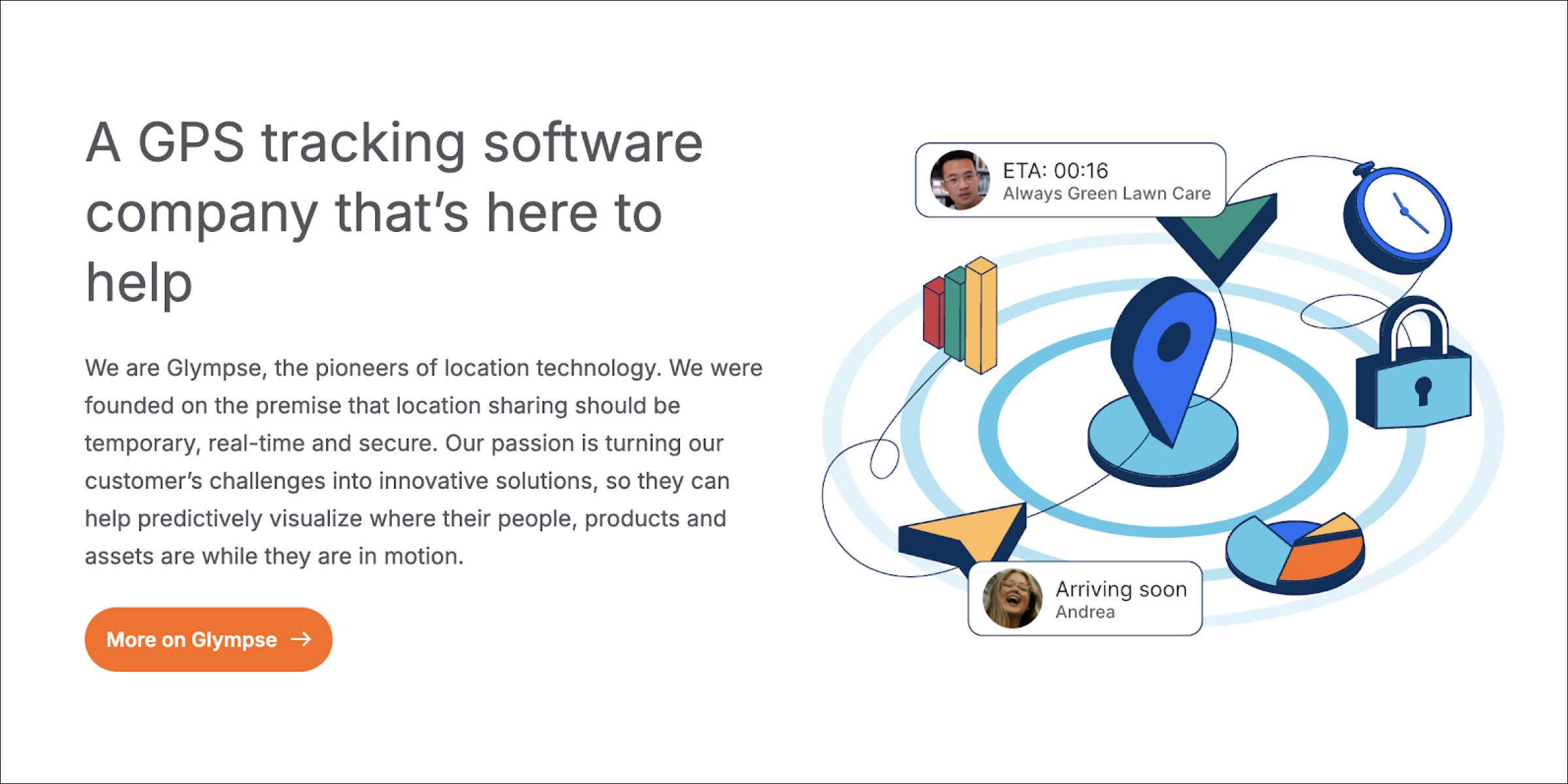
Glympse is a real-time location-sharing platform that lets field teams broadcast their live position to managers and customers for a set window of time. Its strength is privacy: reps share location on purpose, for a bounded window, rather than being tracked continuously. That makes Glympse a fit for teams that want visibility without the compliance headaches of full-time GPS.
Key features:
- Real-time, time-limited location sharing
- Customer-facing ETAs for service and delivery
- APIs for embedding location into other tools
- Simple, low-friction interface for quick adoption
3. Toggl Track
Website: https://toggl.com/track/
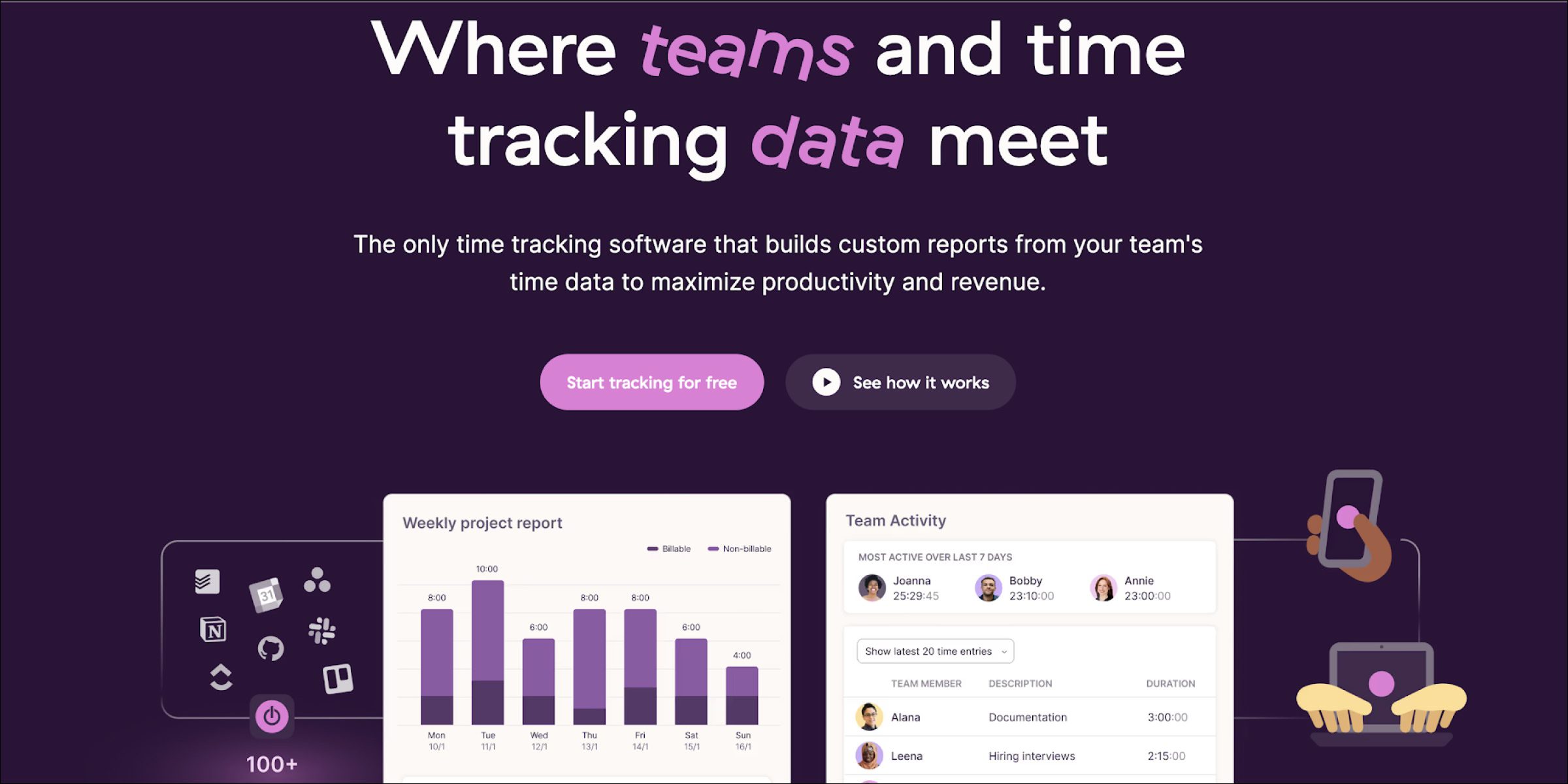
Toggl Track is a time-tracking app that field sales teams adapt to log hours against customer visits, internal meetings, and admin work. It is not sales-specific, but the simplicity is the point: reps start and stop timers from a phone, and managers get a clean view of where the week actually went. It works well for consulting-style field teams where billable hours or cost-to-serve matters.
Key features:
- One-tap time tracking across sales tasks
- Detailed reports on time utilisation and productivity
- Mobile and desktop apps with offline support
- Integrations with common CRMs and project tools
4. Fleet Complete
Website: https://www.fleetcomplete.com/
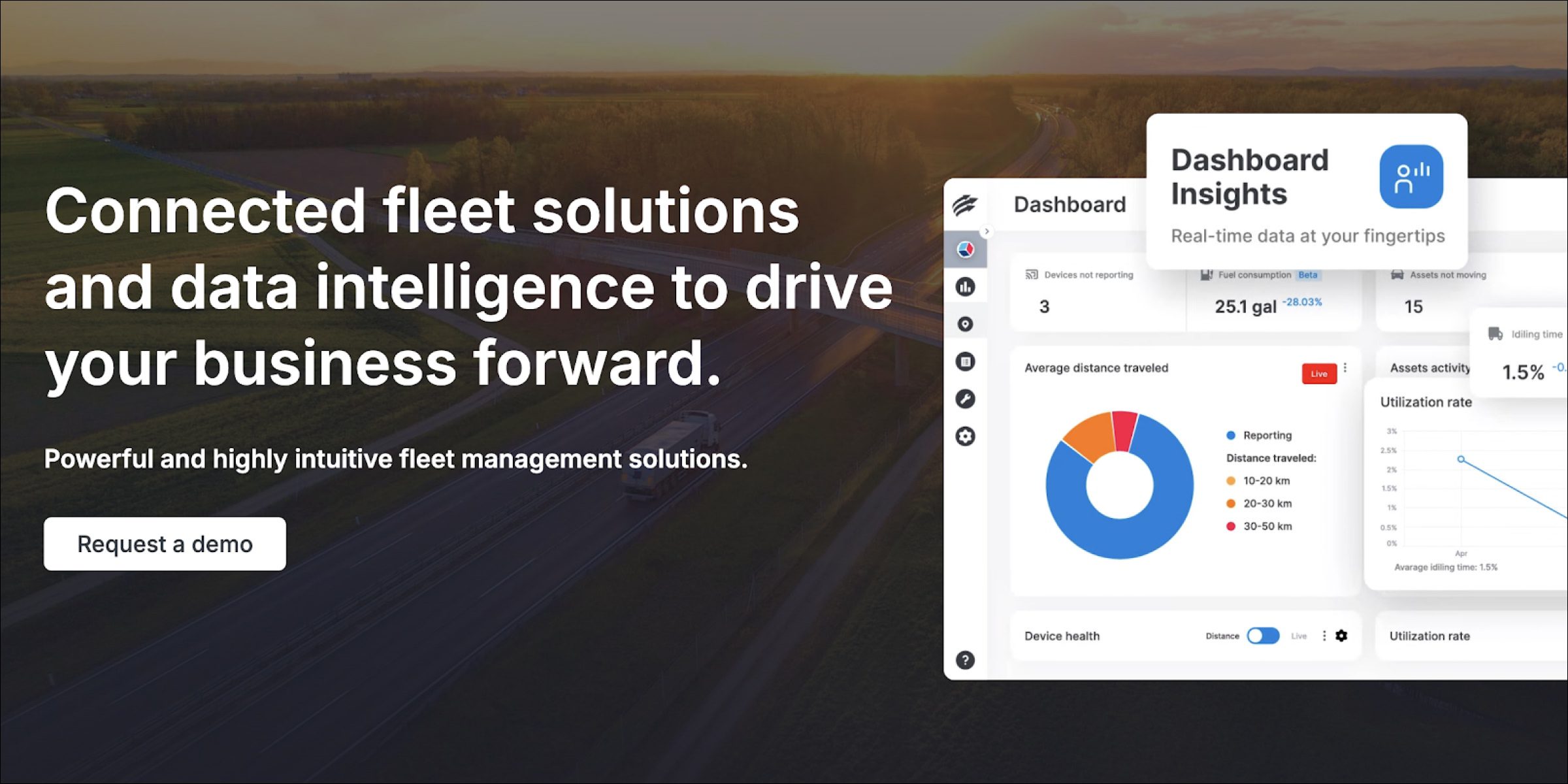
Fleet Complete is a fleet and asset management platform built for teams that run company vehicles. It tracks vehicle location, driver behaviour, and maintenance needs in one system, which is useful for field sales teams that double as delivery or van-sales crews. The platform pays for itself by cutting fuel waste, reducing accident risk, and catching maintenance issues before they ground a vehicle.
Key features:
- Real-time GPS tracking for sales fleets
- Route suggestions that minimise travel time
- Vehicle diagnostics and maintenance alerts
- Driver behaviour monitoring for safety programmes
5. WhatsApp
Website: https://www.whatsapp.com/
WhatsApp is a messaging app, but in many markets it is the de facto field-sales channel for quick updates, check-ins, and retailer photos. Reps share live location with managers, send shelf pictures to head office, and coordinate with distributors from the same phone their customers already use. It is not a system of record, but it is where a lot of field execution actually happens.
Key features:
- Live location sharing between reps and managers
- Instant text, voice, and video messaging
- Group chats for territory-level coordination
- Document and photo sharing from the field
Best field sales CRM software
A CRM keeps the record of every lead, account, deal and conversation. It suits field teams whose sales come from a few large accounts and a long run of meetings. If your reps visit the same shops every week and take repeat orders, a CRM on its own will miss the order, the stock and the shelf.
1. BeatRoute
Website: https://beatroute.io/
Some accounts have to be won before the first order: a new retailer, a hotel or restaurant, a salon or a dealer. BeatRoute’s lead management covers that stage. Reps log each lead with its location and move it to the next stage after each visit. Once the lead converts, the same record carries on into regular orders, so its history stays in one place.
This suits teams where the same reps open new outlets and serve existing ones, so nothing is lost when a prospect becomes a customer. If your whole business is a long B2B deal cycle with few visits, a sales CRM is the better fit.
Key features:
- Leads with location, stage and visit history
- New outlets move into regular ordering without a second system
- Account history visible to the rep during the visit
- Follow-up tasks for repeat orders and loyalty programmes
2. HubSpot CRM
Website: https://www.hubspot.com/products/crm
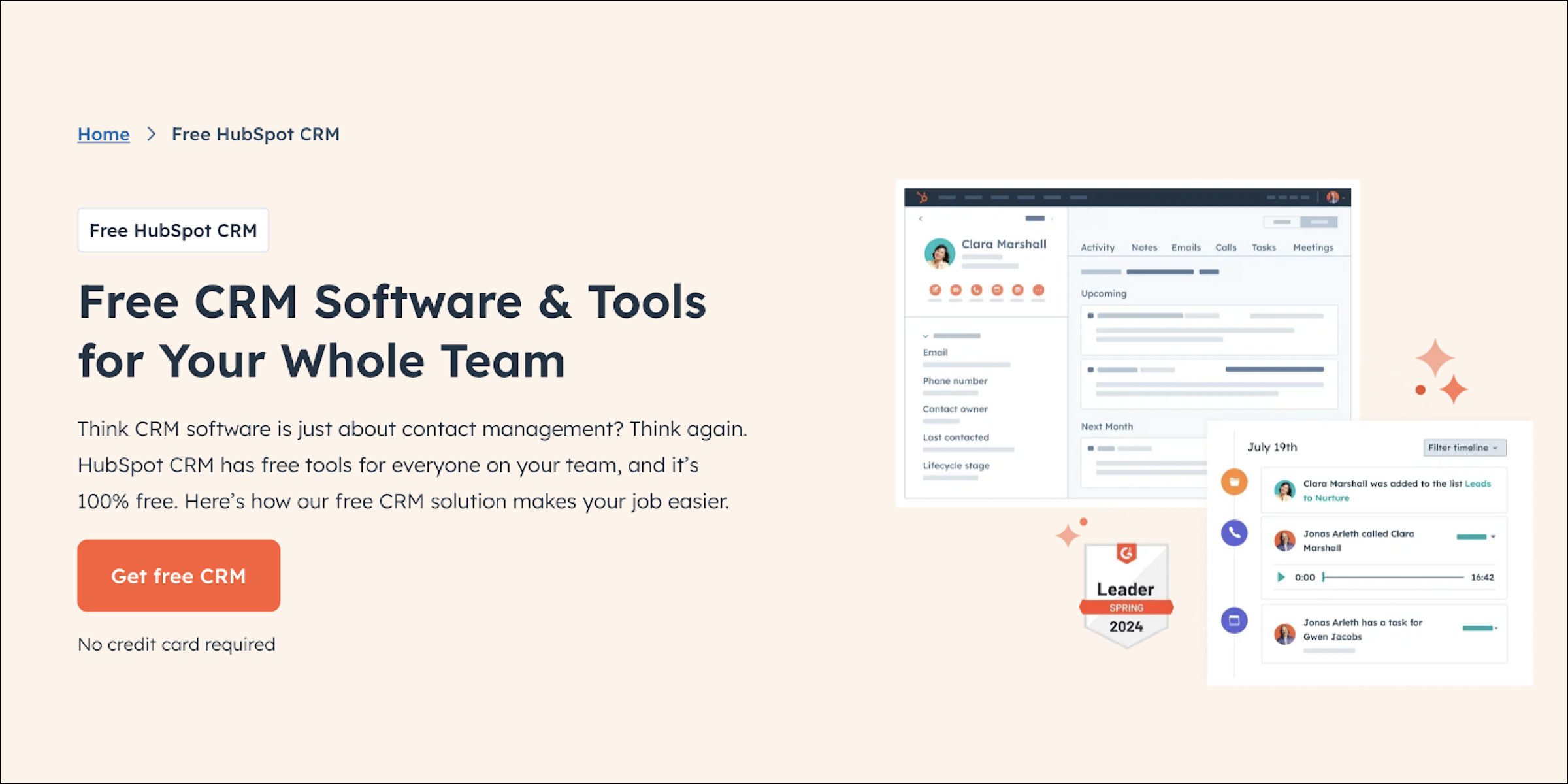
HubSpot CRM is a widely used cloud CRM known for ease of setup and a generous free tier. It covers contact management, email tracking, pipeline visualisation, and marketing automation in one stack, which works well for growing sales teams that need a single source of truth for leads and customers. The mobile app gives reps account history and templates at their fingertips during a visit.
Key features:
- Drag-and-drop pipeline management
- Email tracking and sequence templates
- Mobile CRM with full record access
- Workflow automation for repetitive sales tasks
3. Microsoft Dynamics 365
Website: https://dynamics.microsoft.com/
Microsoft Dynamics 365 is a CRM plus ERP platform that sits well inside Microsoft-heavy enterprises. It unifies sales, customer service, and field-service management, and its strength is depth of configuration across complex sales processes. Dynamics fits best when the business already runs on Office 365 and Teams, because the integrations remove a lot of manual re-entry between email, calendar, and CRM.
Key features:
- AI-powered sales insights and forecasting
- Field-service automation for dispatch and tickets
- Deep integration with Office 365 and Teams
- Customisable dashboards for sales KPIs
4. SugarCRM
Website: https://www.sugarcrm.com/
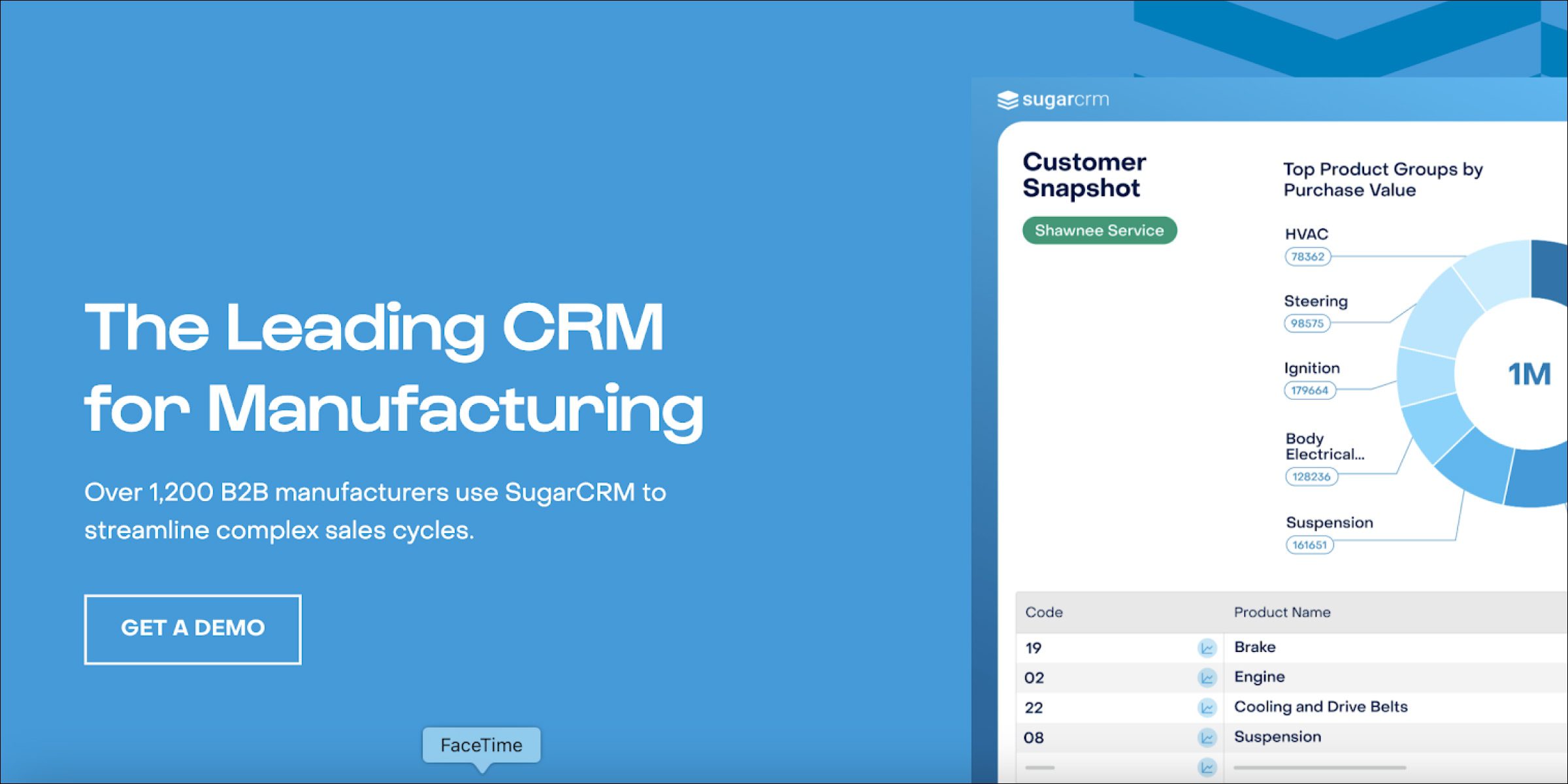
SugarCRM is a flexible CRM platform known for its customisation depth and automation tooling. It supports sales automation, lead management, and real-time reporting with workflows that can be tailored to specific industries. The mobile capabilities give field reps access to account history offline, which helps in territories with patchy connectivity.
Key features:
- Customisable workflows by industry and use case
- Sales automation for repetitive tasks
- Mobile CRM with offline access
- Reporting tools that surface sales trends
5. SAP Sales Cloud
Website: https://www.sap.com/products/crm/sales-cloud.html
SAP Sales Cloud is a sales-automation platform aimed at enterprise teams that already live inside SAP. It handles lead management, sales forecasting, and customer engagement with mobile-friendly interfaces and advanced analytics. The real value shows up when a company needs field-sales processes to tie directly into SAP ERP data for pricing, inventory, and credit checks without double-entry.
Key features:
- End-to-end sales automation across the lifecycle
- AI-powered sales forecasting
- Mobile access to customer records
- Native SAP ERP integration
Best field force automation software
Field force automation takes the paperwork out of field work: task lists, approvals, expense claims, schedules and forms. Both sales teams and service teams use it. Before you shortlist a tool, check whether it is built around sales targets or around service tickets. If your reps sell, pick a sales force automation tool over a field service tool. Our guide to field sales automation software covers what that kind of tool includes.
1. BeatRoute
Website: https://beatroute.io/
Most of a rep’s admin happens around the visit, and BeatRoute automates it: the day’s task list, approvals for new outlets and claims, survey forms, and a reminder when a store is due. Tasks come from your sales targets, so a rep sees which stores need a new product placed or a payment collected today. The day’s stops are ordered with route optimization.
It fits FMCG, pharma, building materials, auto aftermarket and consumer durables brands, where coverage, ordering and shelf work happen on the same visit. Teams whose field work is mostly repair jobs and service tickets should look at a field service tool instead.
Key features:
- Daily task lists set from sales targets
- Approval flows for new outlets, claims and discounts
- Custom forms and surveys for any visit type
- Distributor and retailer tasks in the same system
2. Zendesk
Website: https://www.zendesk.com/
Zendesk is a customer-service platform with a field-service extension that handles ticket routing, dispatch, and on-site resolution. It fits teams where field work is triggered by customer issues rather than sales quotas. Mobile-first workflows let agents pick up, update, and close tickets from anywhere, and the reporting surfaces SLA adherence and CSAT trends over time.

Key features:
- Automated ticketing with priority and skill-based routing
- Mobile access for field agents
- Configurable workflows per industry
- Reporting on service performance and CSAT
3. ServiceNow
Website: https://www.servicenow.com/
ServiceNow is an enterprise platform whose Field Service Management module automates scheduling, dispatching, and real-time monitoring for field agents. Its differentiator is deep integration with IoT and AI for predictive maintenance, which matters in utilities, telecom, and heavy manufacturing. For field sales teams adjacent to service operations, it gives a single system of record across both functions.
Key features:
- End-to-end workflow automation for service tasks
- Predictive maintenance using connected data
- Mobile workforce management
- IoT integration for asset monitoring
4. Freshdesk
Website: https://freshdesk.com/
Freshdesk is a customer-support platform that also covers field-service management through its Field Service Management add-on. It assigns tasks, manages field agents, and resolves tickets with a lighter implementation footprint than enterprise suites. Small and mid-sized service teams like it because the mobile app is clean and the setup time is short.
Key features:
- Smart ticket assignment based on skill and availability
- Field agent mobile app with task and history access
- Customer self-service portals and chatbots
- Real-time performance analytics
5. Zapier
Website: https://zapier.com/
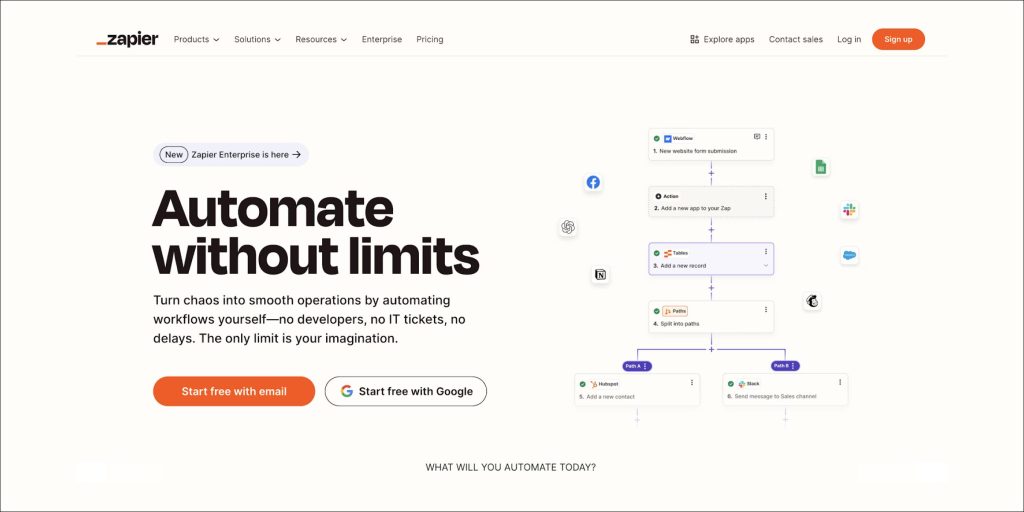
Zapier is workflow automation across 7,000+ apps without code. It is not a field-sales tool by itself, but it is the glue that connects field-sales apps to the rest of the business: syncing CRM updates, pushing order data into accounting, or triggering Slack alerts when a high-value account is visited. For lean teams, it replaces a lot of integration work.
Key features:
- Pre-built automations across thousands of apps
- Custom triggers and actions for field workflows
- No-code builder accessible to non-developers
- Links field apps with Slack, email, and CRM
Best mobile field sales software
The mobile app is the part your reps use all day, so it decides whether the system gets used at all. Test it on the phones your reps own, in a store with weak signal, with your full catalogue loaded. If an order takes longer in the app than on paper, reps will go back to paper.
1. BeatRoute
Website: https://beatroute.io/
The BeatRoute field sales app is built for a rep standing in a busy store with one hand free. Orders, store audits, planogram checks and distributor requests sit in one app. Everything works offline and syncs when the signal comes back, which matters on rural routes and in basement stores.
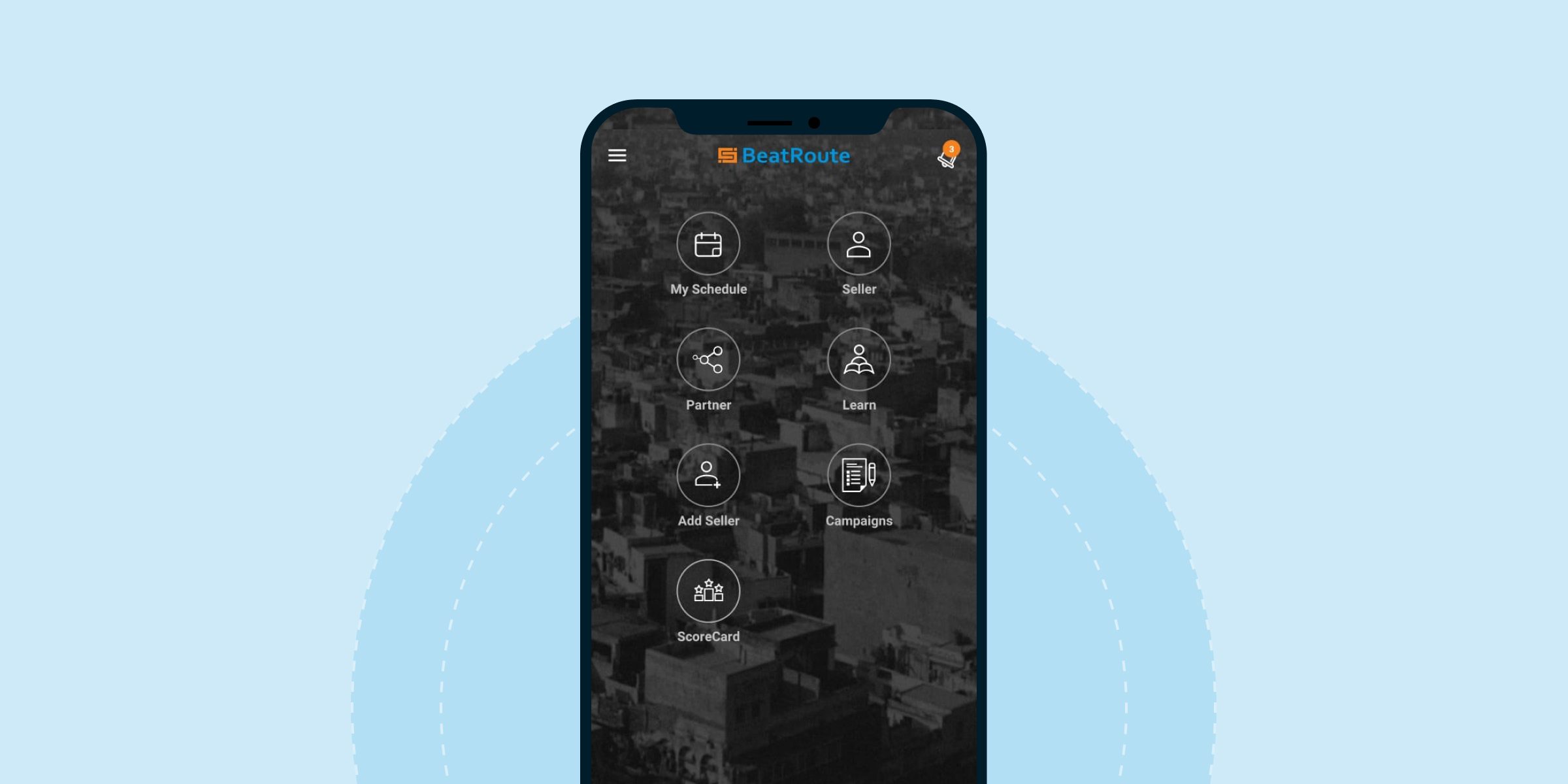
At the shelf, the Order AI Agent suggests what the store should reorder and which new products it could add, so the rep walks in with a suggested order instead of a blank screen. The app suits brands with large rep teams and long product lists. Reps who only log meetings and notes will get more from a lighter contact app.
Key features:
- Orders, audits and distributor requests in one app
- Full offline mode with sync when the signal returns
- Order suggestions at the shelf from the Order AI Agent
- Shelf photo checks with the VM Audit AI Agent, at 80% lower shelf-audit cost than manual audits
- Promotion and trade marketing tasks inside the visit
2. Evernote
Website: https://evernote.com/
Evernote is a note-taking and productivity app that helps reps keep meeting notes, action items, and reference documents in one searchable place. It is not a sales system, but for teams that still rely on discovery calls, custom proposals, or long deal cycles, Evernote covers the personal knowledge layer that structured CRMs do not. Cross-device sync means notes captured on the phone show up on the laptop by the time the rep is back at the desk.
Key features:
- Multimedia notes with text, images, audio, and files
- Task and reminder management
- Cross-device sync across phone, tablet, desktop
- Searchable notes with keyword and tag filters
3. CamScanner
Website: https://www.camscanner.com/
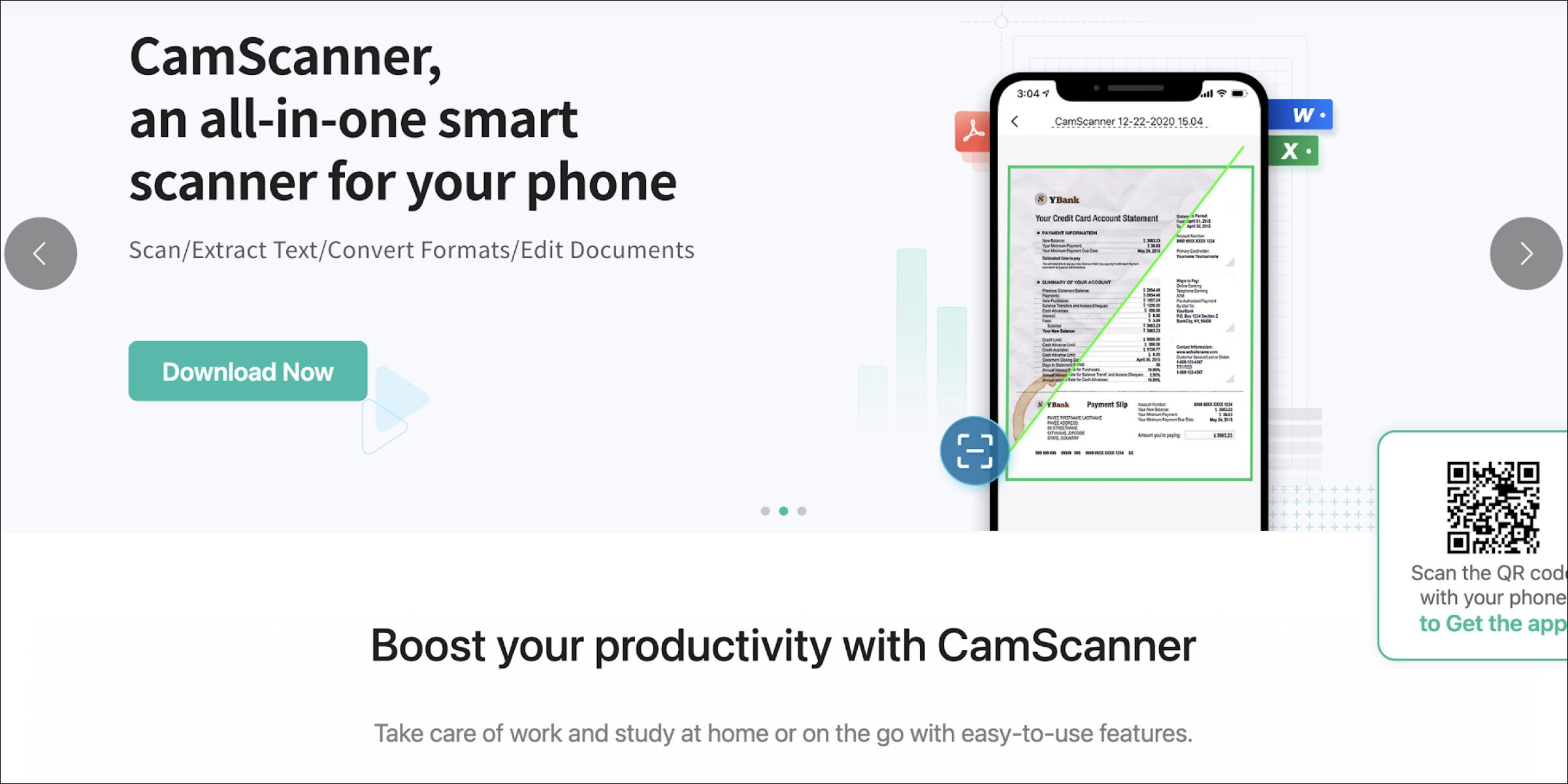
CamScanner turns a phone camera into a portable document scanner, which sounds trivial until you spend a day chasing retailer sign-offs on paper. Reps scan contracts, invoices, and POP materials on the spot and share them as PDFs, removing the week-long lag that used to sit between a field visit and a signed document landing with accounts.
Key features:
- High-quality scans of contracts and invoices
- PDF and image export with cloud sync
- Google Drive and Dropbox integrations
- OCR for text extraction and search
4. ClockShark
Website: https://www.clockshark.com/tour/
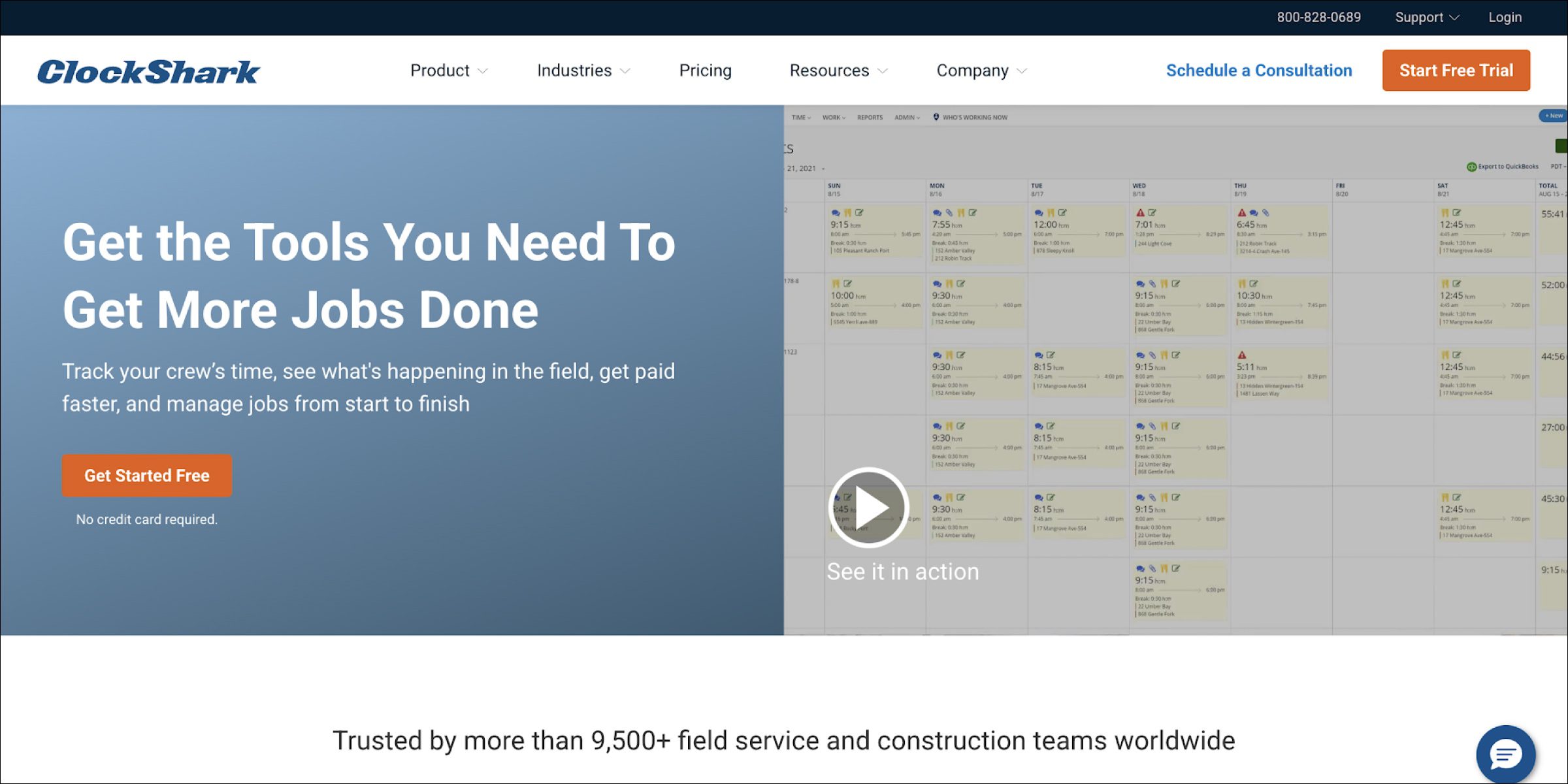
ClockShark is a mobile time-tracking and scheduling app built for field and construction teams. It logs hours, manages job schedules, and feeds data straight into payroll, which removes a lot of the Friday-afternoon admin grind for managers. Sales teams that run van-sales or service-plus-sales models use it to track effort against customer accounts rather than generic projects.
Key features:
- Mobile time tracking with GPS check-in
- Job scheduling and crew assignment
- Team location monitoring for productivity
- Direct payroll sync for accurate processing
5. TripIt
Website: https://www.tripit.com/
TripIt is a travel organiser that consolidates flights, hotels, and meeting schedules into a single itinerary. For field sales professionals who travel to customers across cities or regions, it removes the scramble of hunting through email for a boarding pass or a hotel confirmation. Real-time alerts on gate changes and flight delays mean fewer missed meetings on the road.
Key features:
- Automatic itinerary creation from email forwards
- Real-time alerts on delays and gate changes
- Offline access to travel plans
- Calendar sync to avoid scheduling conflicts
Best field sales analytics and reporting software
Analytics tools turn field data into decisions. You can buy a general BI tool and build your own dashboards, or use the reports that come with your field sales platform. Built-in reports are quicker to start with. A BI tool makes sense when you need to join field data with finance and supply chain data.
1. BeatRoute
Website: https://beatroute.io/
Reports in BeatRoute come from the same data reps enter on each visit, so there is nothing to export or clean before you read them. Managers build their own dashboards with the Report Builder. BeatRoute Copilot answers plain questions, such as which outlets stopped ordering a product last month.
Copilot also flags gaps by rep, territory and product, and suggests what to do next. It works best when most of the data you study comes from the field. To join that data with finance and supply chain figures, keep a BI tool on top.
Key features:
- Custom dashboards built on visit, order and audit data
- Reports by rep, territory and product
- BeatRoute Copilot for plain-language questions and alerts
- Sales, orders and audits in one view
2. Microsoft Power BI
Website: https://powerbi.microsoft.com/
Microsoft Power BI is a widely adopted business-intelligence tool that field sales teams use to visualise pipeline, coverage, and performance data. Its integration with Excel, Teams, and Dynamics 365 makes it the default choice for Microsoft-heavy organisations, and the mobile app lets managers glance at key metrics between meetings. Power BI is general-purpose, so sales teams usually invest in custom dashboard design to make it field-sales specific.
Key features:
- Interactive drag-and-drop dashboards
- AI-powered analytics for trend detection
- Native integration with Microsoft Suite
- Mobile access for on-the-go reporting
3. Looker Studio (formerly Google Data Studio)
Website: https://lookerstudio.google.com/
Looker Studio is Google’s free cloud-based visualisation tool. Sales teams use it to build interactive, shareable dashboards that blend data from Google Sheets, BigQuery, and third-party sources. It is a good starting point for teams without a dedicated analytics budget, and the learning curve is shallow enough that non-technical managers can build their own views.
Key features:
- Customisable dashboards with drag-and-drop
- Connectors for Google Sheets, BigQuery, and third parties
- Real-time collaboration on reports
- Data blending across multiple sources
4. Tableau
Website: https://www.tableau.com/
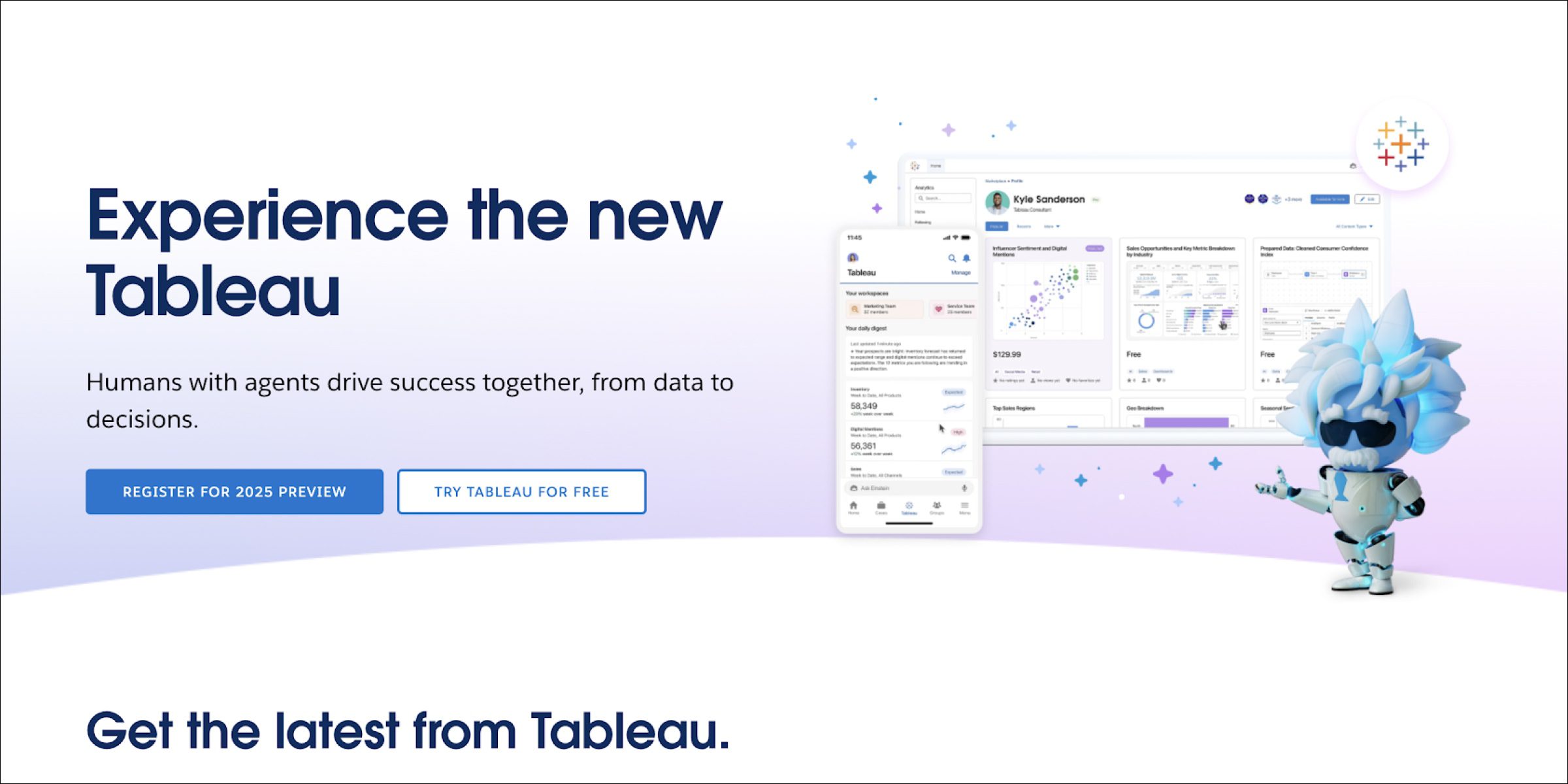
Tableau is a leading data-visualisation platform that turns complex datasets into interactive dashboards. Sales leaders use it for deep cohort analysis, territory comparisons, and pipeline-velocity tracking. Its strength is visual sophistication, but the trade-off is setup effort: most teams pair Tableau with a data engineer or analyst rather than running it out of the sales team alone.
Key features:
- Advanced interactive charts, maps, and dashboards
- Live connections to many data sources
- Drag-and-drop report builder
- Built-in AI for trend and anomaly detection
5. Metabase
Website: https://www.metabase.com/
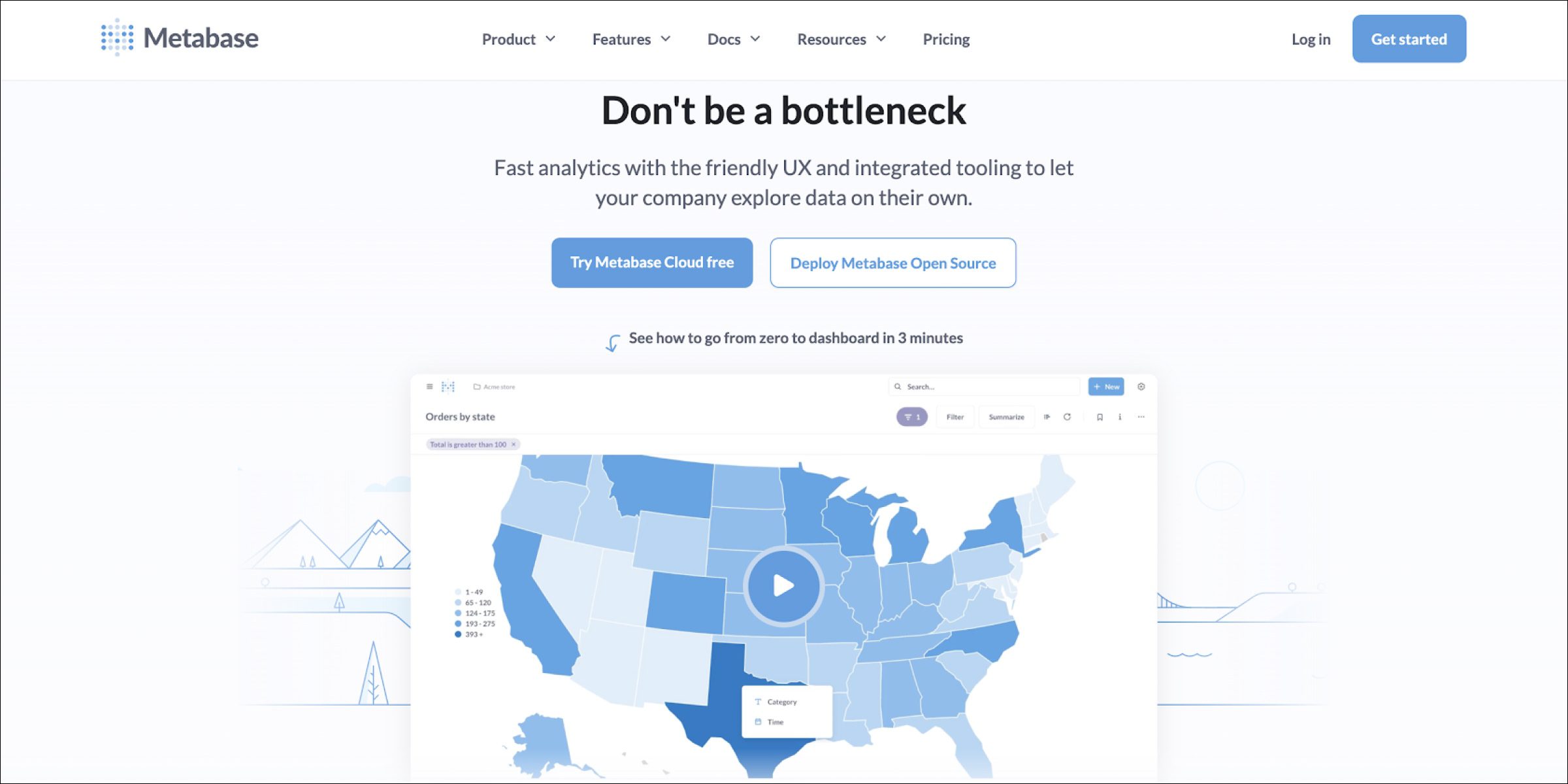
Metabase is an open-source business-intelligence tool designed to make data analytics accessible without a technical background. Sales teams use it to run quick ad-hoc queries against a data warehouse and build simple dashboards for daily review. The open-source core is attractive for companies that want to keep control of their data stack without committing to a large licensed BI platform.
Key features:
- No-SQL question builder for non-technical users
- Customisable dashboards for sales KPIs
- Quick ad-hoc reports
- Open-source flexibility for custom extensions
Best software for route optimization in field sales
Route tools come in two kinds. Navigation apps get a rep from one store to the next. Planning tools decide which stores go into which beat and how often each one is visited. Most teams need both, and the planning side decides your coverage and your travel cost.
1. BeatRoute
Website: https://beatroute.io/
Route planning in BeatRoute works at two levels. With route optimization, a planner at head office designs the beats: which stores each rep covers and how often. Each day, the Scheduling AI Agent then reorders a rep’s visits around what the stores need, such as falling sales, an overdue payment or a product launch.
Perfetti Van Melle Indonesia tripled outlet coverage with BeatRoute route optimization and SFA (read the Perfetti Van Melle Indonesia case study). Perfetti Van Melle India increased outlet reach by 15% and cut delivery cost 10% with route optimization (read the Perfetti Van Melle India case study). This setup suits brands with many outlets per rep. For a rep with a few meetings a day, a navigation app will do the job.
Key features:
- Beat and territory design at head office
- Daily visit order set by the Scheduling AI Agent
- Visit frequency by outlet type and value
- Routes linked to orders and audits from each stop
2. Google Maps
Website: https://maps.google.com/
Google Maps is the navigation default for most field reps. Real-time traffic, multi-stop routing, and offline maps make it practical for day-to-day driving between customer visits. It is not a territory-planning tool, but for in-the-moment route guidance, few tools come close to its coverage and accuracy.
Key features:
- Real-time traffic updates
- Multi-stop route planning
- Nearby business search
- Offline maps for low-connectivity areas
3. Bing Maps
Website: https://www.bing.com/maps
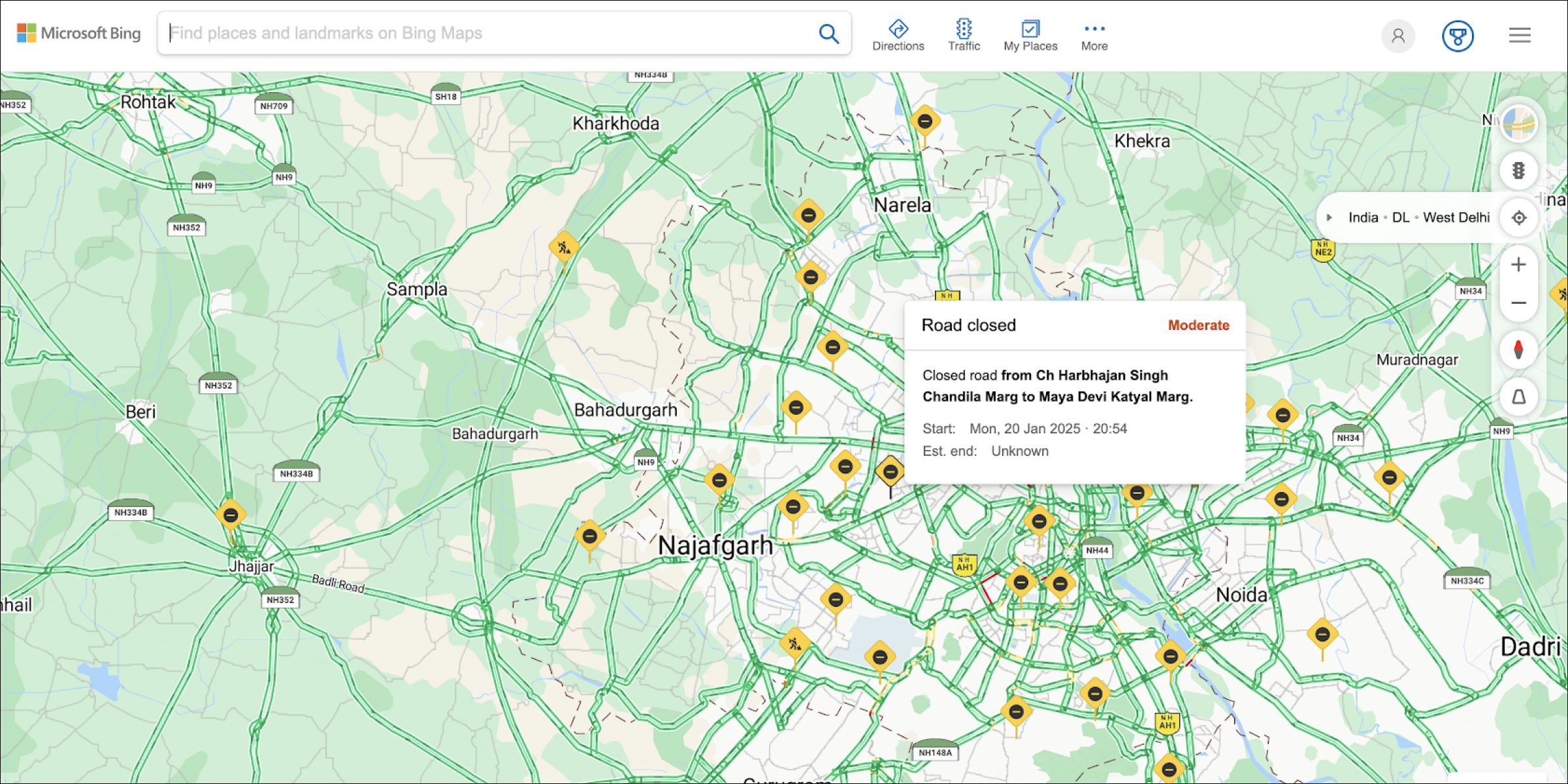
Bing Maps is Microsoft’s mapping platform, with traffic-aware routing, multi-stop directions, and integrations into Outlook and Teams. For Microsoft-heavy organisations, it slots into existing workflows without an extra login. The developer API is also a popular choice for embedding maps into custom field-sales tools.
Key features:
- Traffic-aware routing
- Multi-stop directions
- Aerial and street-side views
- Outlook and Teams integration
4. Apple Maps
Website: https://www.apple.com/maps/
Apple Maps is the default navigation app for iOS users. It has improved significantly over the last few years and now offers real-time traffic, multi-stop routing, and turn-by-turn voice guidance. For field sales teams standardised on iPhones, the native iOS Calendar and Siri integrations save a few taps across the day.
Key features:
- Turn-by-turn voice navigation
- Real-time traffic and incident reports
- Multi-stop routing
- iOS Calendar and Siri integration
5. MapQuest
Website: https://www.mapquest.com/
MapQuest is a long-running mapping and route-planning tool that offers multi-stop route creation with options to avoid tolls, highways, or specific areas. It is a lightweight alternative to the big-name maps for reps who want a simple planner and do not need advanced features. The mobile-friendly interface works well on older devices.
Key features:
- Multi-stop route planning
- Traffic and road-condition updates
- Customisable routes with avoidance options
- Mobile-friendly interface
Best field sales software for managers
Manager tools show who did what, how close each team is to target, and where to step in with coaching. The test is simple: can a regional manager open one screen on Monday morning and know which reps and stores need attention this week?
1. BeatRoute
Website: https://beatroute.io/
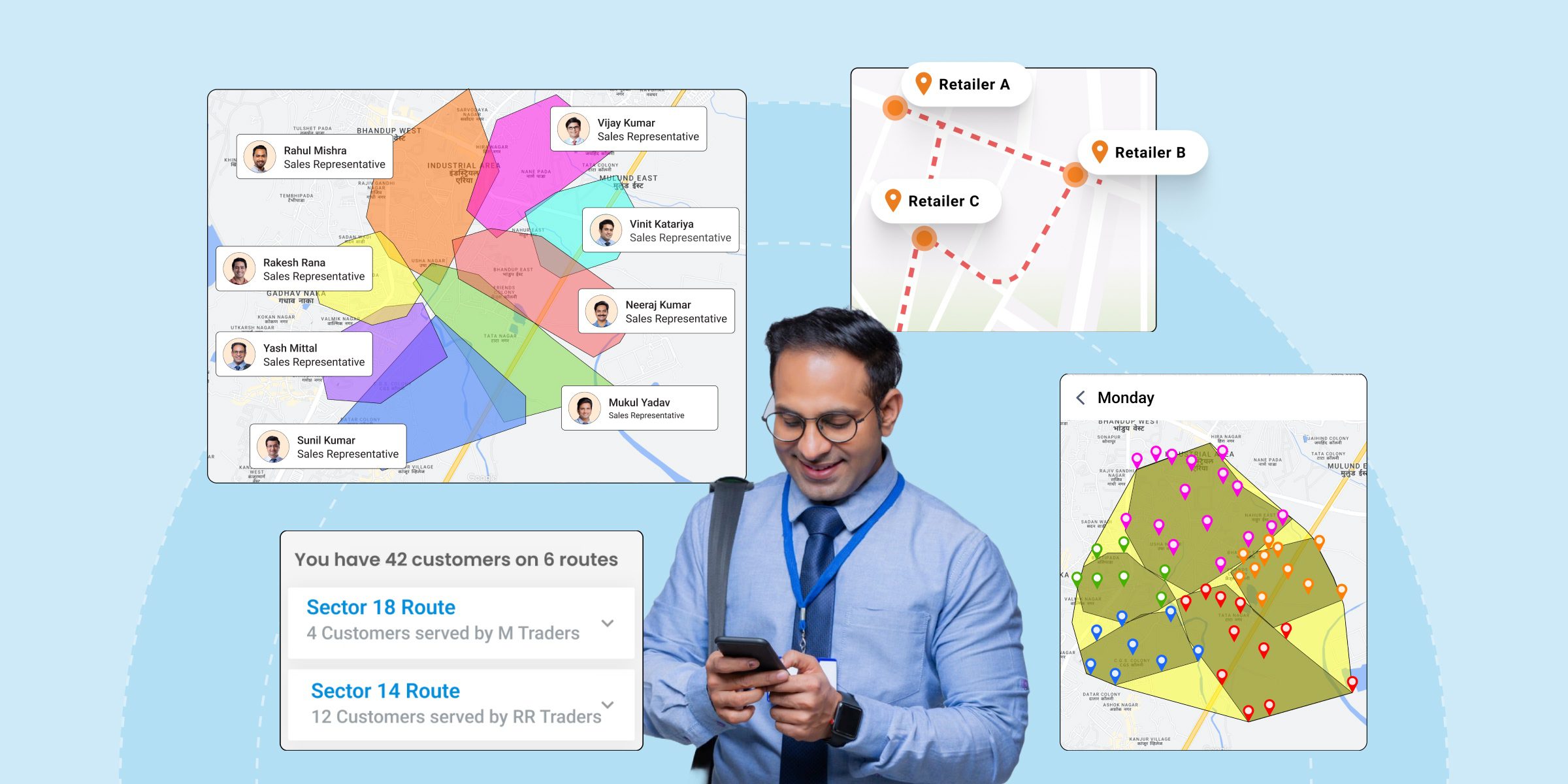
Area and regional managers get one view of their teams in BeatRoute: who visited which stores, what they sold, and how each territory is tracking against target. Team and territory management lets a manager rebalance beats when a rep leaves or a new distributor joins.
Approval workflows for new retailers, audits and sales mean a new outlet or a big discount waits for the manager’s yes. AAVA Brands grew store-level sellouts 25–30% and field force productivity 18–20% with BeatRoute (read the AAVA Brands case study). It earns its place for managers who run several territories. For a manager with three reps, a weekly call and a spreadsheet will do.
Key features:
- Team and territory management with workload balancing
- Alerts when a rep, store or product falls behind
- Approval workflows for new retailers, audits and sales
- Performance by rep and territory against target
2. Slack
Website: https://slack.com/
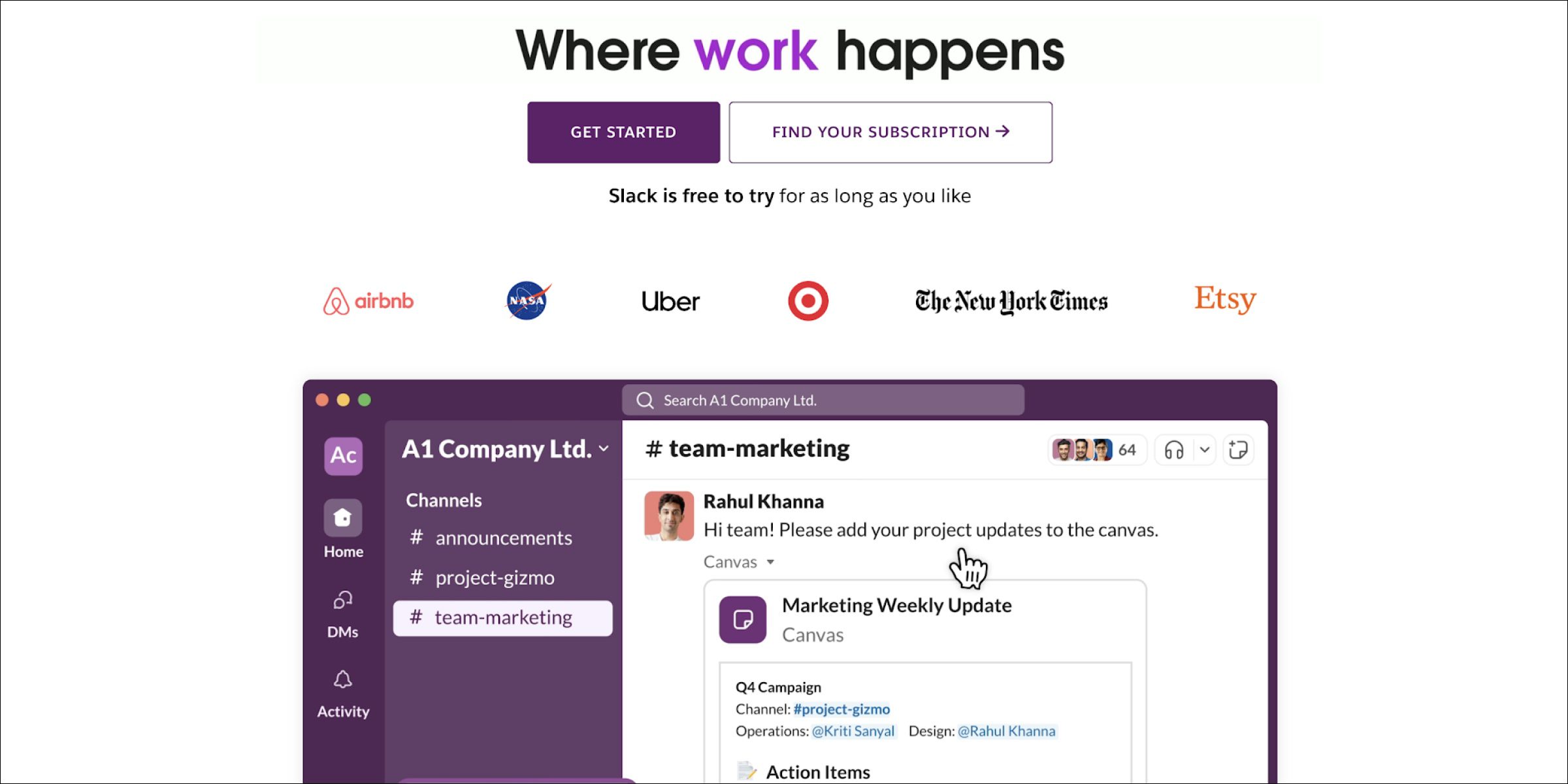
Slack is a team messaging platform organised around channels, which suits field sales managers who run distributed teams across territories. Dedicated channels per region, per customer, or per deal keep conversations searchable and hand-offs clean. Slack’s integrations with CRMs and analytics tools mean a manager can get deal updates or daily numbers pushed to the same place the team already talks.
Key features:
- Channel-based communication by team or territory
- File sharing and document collaboration
- App integrations with CRM and reporting tools
- Real-time notifications and alerts
3. Wrike
Website: https://www.wrike.com/
Wrike is a project and task management tool that field sales managers use to plan campaigns, track cross-functional launches, and coordinate with marketing or trade-marketing teams. Gantt charts, approval workflows, and time tracking help managers allocate resources and surface bottlenecks early. It is less a sales tool and more a planning layer on top of sales activity.
Key features:
- Customisable dashboards for team tasks
- Approval processes for internal reviews
- Time and resource tracking
- Gantt charts and calendar views
4. Outfield
Website: https://outfieldapp.com/
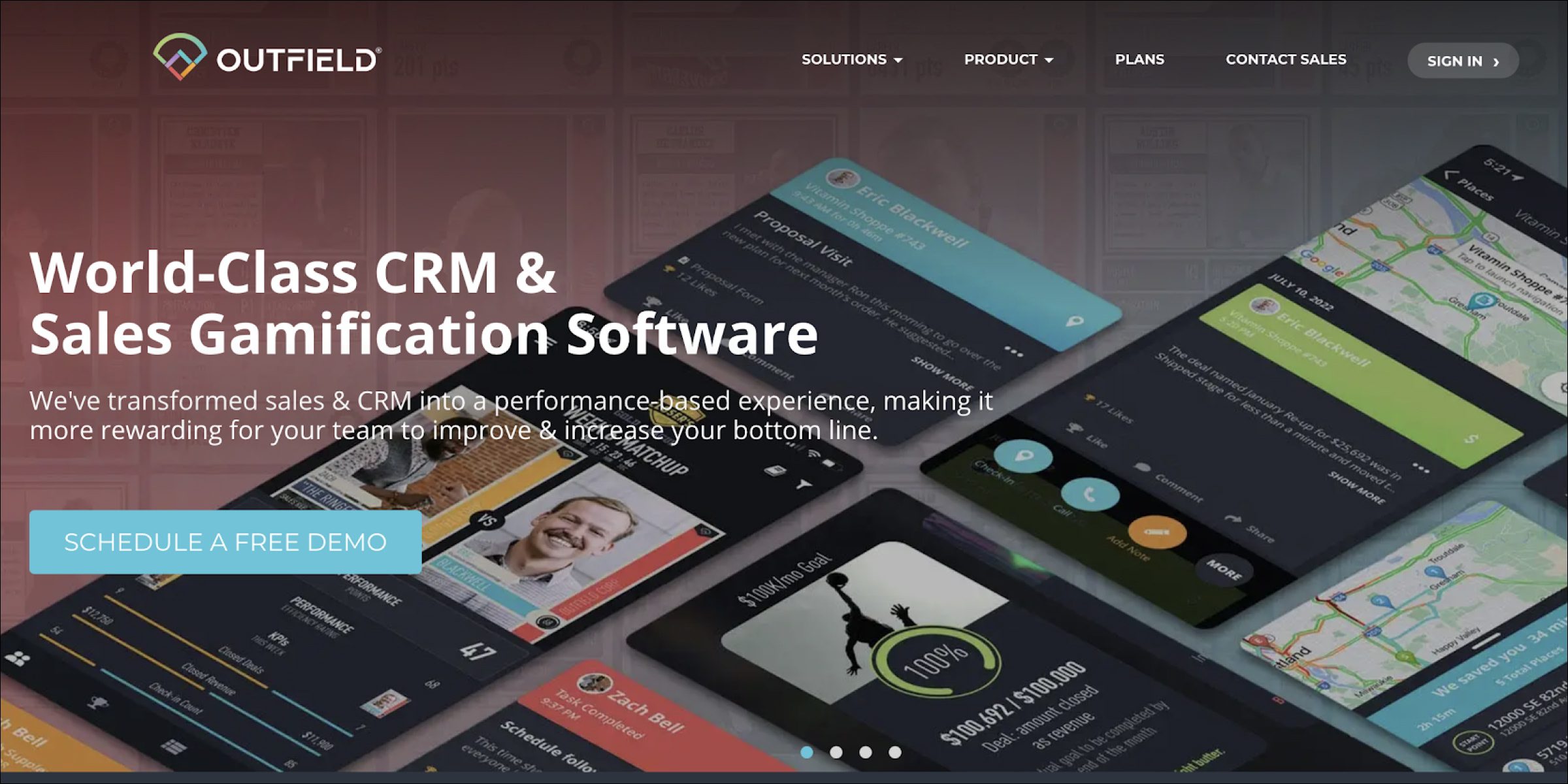
Outfield focuses on field team performance management, with territory design, goal tracking, and customer engagement tools. Managers set rep-level goals, track coverage, and measure outcomes against KPIs, and the map-based views help balance work across territories. It is a fit for small to mid-sized field teams that want a purpose-built manager view without enterprise overhead.
Key features:
- Territory management with map-based views
- Goal and KPI tracking per rep
- Customer engagement and follow-up tools
- Custom reports and analytics
5. Google Workspace
Website: https://workspace.google.com/
Google Workspace is the productivity suite most sales managers already use for email, calendar, and collaborative docs. For field teams, Sheets handles performance tracking, Calendar runs scheduling, and Drive stores shared playbooks. It is not a sales-specific tool, but it is the baseline layer that most other tools plug into.
Key features:
- Cloud-based document collaboration
- Integrated Gmail, Meet, and Chat
- Sheets and BigQuery for data analysis
- Calendar-based task scheduling
Build your stack around one platform
Pick one main system first, and add other tools only for the gaps it leaves. For a brand that sells through distributors and retailers, the main system should cover beats, orders, store audits, distributor stock and the reports your sales operations team runs each week. Maps, chat and BI tools can sit around it. Each extra app is one more login for reps and one more place where data goes missing.
BeatRoute fits that main slot when you want field sales and distributor management on one platform across many territories. It is rated 4.3 on G2 and 4.3 on Capterra. It is sold as a subscription, priced per user and module on annual contracts, and there is no free trial, so the way to test it is a pilot on your own routes. If you only need to track a handful of reps or log meetings, a lighter tool will serve you better.
Book a demo to see BeatRoute on your own outlets and routes, and to plan a pilot with two or three of your territories.
Frequently asked questions
What is field sales software and what does it actually do?
Field sales software is the app reps use on store and customer visits, plus the dashboard managers use to follow their work. It plans each rep’s day and records check-ins, orders, payments and shelf photos. It then turns that into reports by rep, store and territory. Many tools also automate routine work, such as reminders, approvals and order suggestions.
How is BeatRoute different from a standard CRM for field sales?
A CRM is built around leads and deals. BeatRoute is built around the store visit: beat plans, orders, distributor stock, shelf audits and payments, with lead management for new outlets on top. That matters for consumer brands whose reps visit the same retailers every week and sell through distributors. If your team closes a few large deals a quarter, a CRM is the simpler choice.
Which field sales software is best for small teams with under 50 reps?
For small teams, BeatRoute offers a Startup Program with startup-friendly terms for teams under 50 reps and 500 customers. Starter-level tools like OnePageCRM or HubSpot Free are built around deal pipelines, while BeatRoute adds the retailer, distributor, and audit workflows that FMCG field teams run day to day. The right answer depends on whether your field sales work is deal-based or visit-based.
Does BeatRoute work offline in low-connectivity areas?
Yes. Reps can take orders, run audits and complete visits with no signal. The app saves the work on the phone and syncs it when the connection returns. During a pilot, test this on the route with the weakest signal you have.
How many field sales tools does a brand actually need?
Most brands end up with one core execution platform and two or three supporting tools. The core platform covers visit planning, order capture, audits, and analytics. Supporting tools typically include a messaging app like WhatsApp or Slack, a general BI tool like Power BI or Looker Studio if the analytics needs exceed the core platform, and a mapping app for day-to-day navigation. Adding more tools usually creates more integration work than value.