


Sales territory management software is a tool that splits your market into territories, gives each one to a rep or team, and shows whether every territory is covered and worth what it costs to serve. To pick one, first decide whether you only need to draw and balance territories on a map, or whether reps also need to work those territories every day through beat plans (the set of outlets each rep visits on a given day) and visit tracking.
This guide compares ten tools, from map-first planners to field execution platforms, on territory mapping, beat or route planning, workload balancing, CRM or SFA integration and pricing model. If drawing the map is your main job, our guide to sales territory mapping software covers that step in more depth.
What to judge before you shortlist
- Data: can you build territories from outlet or account potential, or only from postal codes and drawn shapes?
- Fairness: does it balance workload and travel time, so no rep is handed a patch nobody could cover?
- Execution: does each territory become a daily visit plan, with planned versus actual visits for managers?
- Channels: can territories follow distributor coverage as well as single accounts?
- Daily use: will reps open it on a phone where the signal is weak, and does it connect to your CRM or ERP?
What sales territory management software does
A sales territory is a set of customers that one rep or team owns. For a consumer brand, that is usually a list of shops and dealers in an area, each with a visit frequency and a sales goal. Territory management software holds that list, puts it on a map and keeps it in balance as outlets open, close or grow.
Most tools cover some or all of three jobs:
- Plan. Draw boundaries from postal codes, regions or outlet lists, and decide how many reps each territory needs.
- Balance. Compare workload, travel time and sales potential across territories, so each one is a fair amount of work and earns more than it costs to cover.
- Run. Turn each territory into visit plans, track which outlets were visited and flag territories that drift.
A fair territory is one a rep can cover well in the days they have. Count the outlets, multiply by how often each needs a visit, add the travel time between them, then compare that with the rep's working hours. A dense city patch with many shops close together can be less work than a rural patch with fewer shops spread across several towns.
Large teams also need levels. Regions split into areas, areas into territories, and territories into daily beats. A good tool lets you change one level without breaking the others, so moving a few outlets between two reps does not mean redrawing the whole region.
When territories fall out of balance, it shows in the field before it shows in a report. Overloaded reps skip outlets and rush visits. Underloaded reps keep returning to the same easy shops. Both cost sales, and both are hard to spot in a spreadsheet.
10 sales territory management software tools compared
The table summarizes each tool on the five things buyers compare most. It is based on each vendor's public product and pricing information as reviewed in October 2026; features and plans change, so confirm details with the vendor before you shortlist.
| Tool | Territory mapping | Beat or route planning | Workload balancing | CRM/SFA integration | Pricing model |
|---|---|---|---|---|---|
| BeatRoute | Store profiling, geo-tagged outlets, territory design by potential and outlet type | Beat planning with daily AI-prioritized visit lists | Rep and vehicle counts per territory, goal-based visit priorities | Built-in SFA and DMS; 300+ integrations via BeatRoute Matrix | Subscription, priced on request; free demo, no free trial |
| Badger Maps | Customer maps from Excel or CRM data | Route optimization with live traffic | Check with vendor | Connects to existing CRMs | Per-user subscription; free trial |
| Zoho CRM | Territory rules and territory-level reporting | Check with vendor | Rule-based account assignment | Native CRM | Per-user subscription tiers |
| Maptive | Territories by zip code, city or state; heat maps | Route optimization | Territory balancing tools | Spreadsheet and data imports | Subscription (short-term pass or annual plan); free trial |
| Maptitude | Territory maps with demographic data | Vehicle routing | Territory optimization | Spreadsheet and database imports | Desktop license or annual subscription |
| Xactly AlignStar | Interactive map-based alignment, thematic mapping | Check with vendor | Territory Expert and what-if analysis | Xactly suite | Check with vendor |
| EasyTerritory | Territories from postal codes or boundaries | Check with vendor | Data-driven automatic realignment | Microsoft Dynamics 365, Power BI, Excel, SQL Azure | Annual subscription; free trial |
| SalesRabbit | Rep-assigned areas with custom size and shape | Lead prioritization for routing | Area assignment by rep | Check with vendor | Per-seat subscription tiers |
| Mapline | Custom territories, boundary merging, heat maps | Route optimization | Workload-based territory balancing on paid plans | Data imports and dashboards | Free starter plan; paid plans by quote |
| eSpatial | Territory design and realignment, ZIP code maps | Route optimization | Optimization by workload or weighted balance | Salesforce integration | Annual subscription |
Two patterns stand out. Mapping-led tools (Maptive, Maptitude, Mapline, eSpatial, EasyTerritory) are strong at drawing and balancing territories. CRM-led tools (Zoho CRM, Xactly AlignStar) tie territories to accounts and quotas. Brands whose reps visit retailers and distributors every day also need the territory to turn into a beat plan, which is where a field execution platform such as BeatRoute fits.
1. BeatRoute
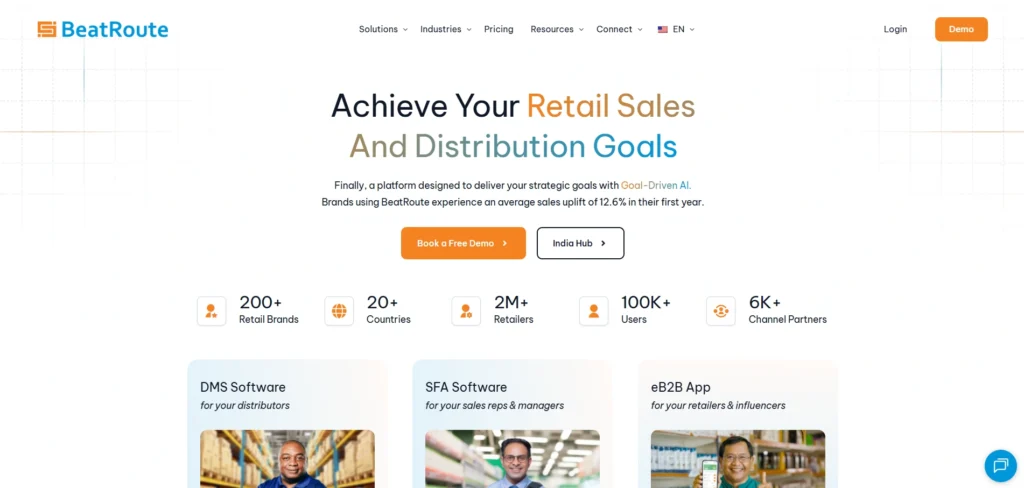
BeatRoute is a field sales and distributor management platform for consumer brands. It works from the same outlet list your reps visit, so when you change a territory, the change reaches each affected rep's daily plan.
In practice, managers geo-tag and profile outlets, then group them into territories by potential and outlet type. BeatRoute estimates how many reps and vehicles each territory needs to cover it. The Scheduling AI Agent then builds a prioritized visit list for each rep every day, and GPS check-ins and geofencing show planned versus actual visits per territory. At each stop, the Order AI Agent suggests replenishment and new SKUs.
Territories sit on the same platform as distributor management, so a rep's outlets line up with the distributor that serves them. That matters when you redraw a boundary, because the orders, stock and beat plans for those outlets move with it.
Perfetti Van Melle Indonesia tripled its outlet coverage with BeatRoute route optimization and SFA, as the Perfetti Van Melle Indonesia case study describes.
Coverage is half of territory health. The other half is whether reps really connect with the customers they are assigned. Valvoline Cummins lifted customer connect from 25–30% to 70%+ with BeatRoute, as the Valvoline Cummins case study shows.
Who it suits: FMCG, consumer goods, building materials and manufacturing brands whose reps visit retailers, dealers and distributors in person, and who want territory design and daily execution in one place. Reps keep working offline where the signal drops, and the data syncs later.
When a lighter tool is better: if you only need to draw territories for an annual plan, or your team sells by phone and email, a map-first tool or your CRM's territory features will cost less and take less time to set up. BeatRoute is not built for inside sales or ecommerce brands.
Features
- Outlet geo-tagging, profiling and prioritization
- Rep and vehicle estimates per territory
- Daily beat plans from the Scheduling AI Agent, with route optimization
- GPS-based visit adherence and geofencing
- Built-in SFA and DMS, plus 300+ enterprise integrations via BeatRoute Matrix
Pricing: Subscription priced per user and module on annual contracts. No free trial.
Founded: 2016
Demo: Book a demo and bring one territory's outlet list to see how it would map to territories and daily beat plans.
2. Badger Maps
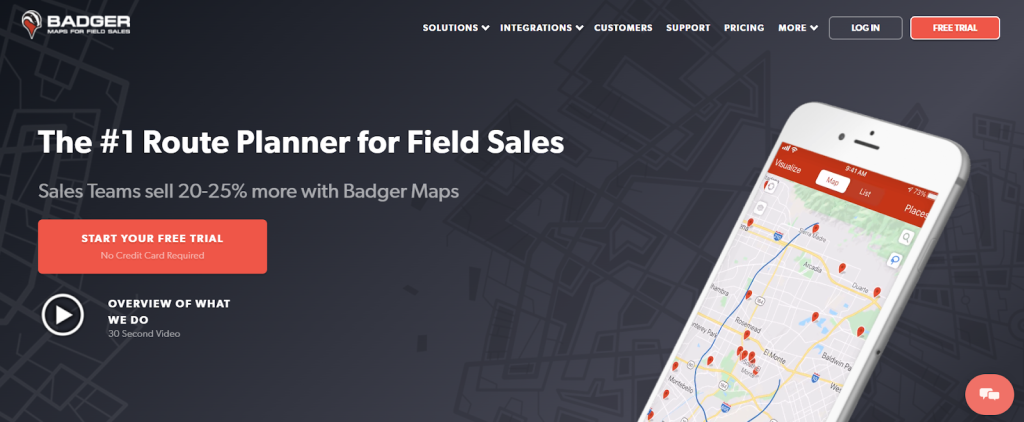
Badger Maps lets users visualize customers on a map by uploading a Microsoft Excel file or connecting an existing CRM. Sales reps can see which stores need follow-ups, which are high priority, and which have recorded strong recent sales. The tool also provides account management, optimal route creation, and a check-in feature that keeps customer data current.
Features
- Route optimization
- Filtering for cross-sell and upsell
- Custom check-in reports
- Easy lead detection
- 100% encrypted
Pros: Live traffic, multiple mapping software support, follow-up reminders, CRM support
Cons: Steep learning curve for some users, one filter at a time
Industry: Apparel, technology, manufacturing
Founded: 2012
Free trial or demo: Both
3. Zoho CRM
Zoho CRM provides a view of closed deals and detailed sales predictions by territory. Users can see which teams are performing well and identify top-performing reps. Interactive reporting supports data-based decisions. Brands can share customer accounts, find profitable areas, allocate resources, and track customer satisfaction.
Features
- Lead management
- Deal management
- Workflow automation
- Sales forecasting
- Territory management
Pros: Affordable, fully automated, multiple integrations, user friendly
Cons: Built for CRM-led selling rather than daily field visit execution
Industry: Financial services, retail, insurance, real estate, non-profit
Founded: 2005
Free trial or demo: Free demo
4. Maptive
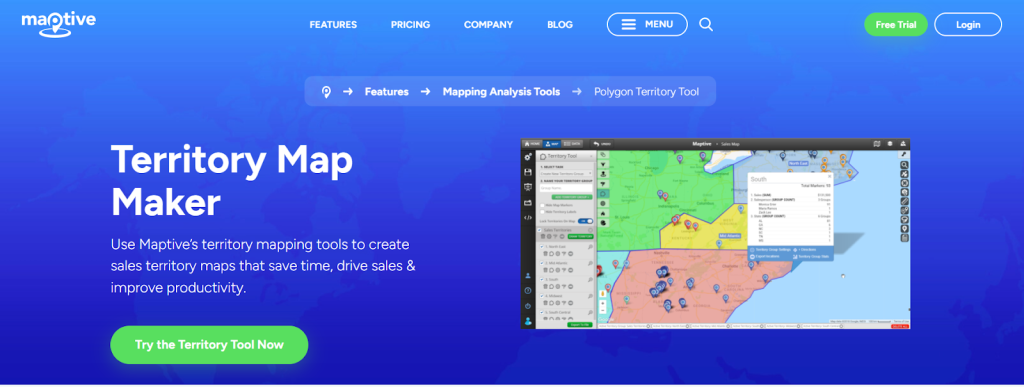
Maptive focuses on data-driven territory mapping that eliminates guesswork. Brands can create custom maps for sales territories and allocate resources based on empirical data. Territory maps are cloud-based and accessible to sales teams at any time. Maptive enables users to map store locations accurately, split territories by zip code, city, or state, and analyze data to identify areas of improvement.
Features
- Heat mapping
- Lasso selection
- Drawing tool
- Distance calculation
- Map customization
Pros: Dependable support, enterprise-level security, wide coverage, cloud-based, mobile friendly
Cons: Expensive, occasional page freeze reported by users
Industry: Banking, retail, non-profit
Founded: 2013
Free trial or demo: Free trial
5. Maptitude
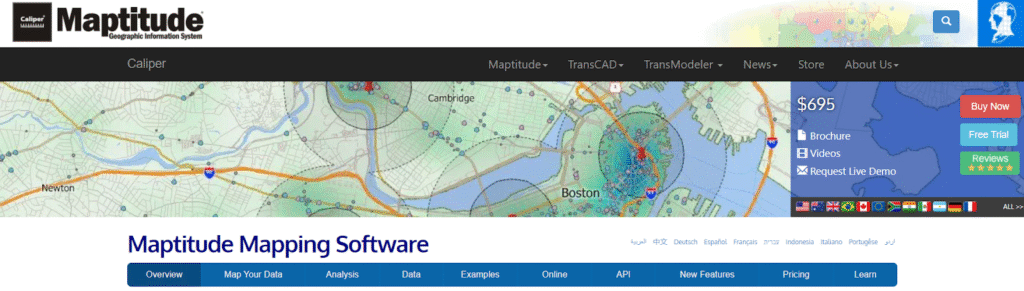
Maptitude offers detailed maps, demographic data, and tools for dissecting geographic factors. Users can create territory maps, represent spreadsheet data visually, project population estimates, pinpoint customer locations, produce heat maps, and establish custom territories. It is trusted by many Fortune 500 companies for geographic analysis.
Features
- Optimized sales territories, vehicle routes, and site locations
- Visualization, analysis, and presentation of mission-critical data
- Profit, time, and resource maximization
Pros: Strong customer support, user friendly
Cons: Some map customization issues reported, can be slow with large datasets
Industry: Logistics, healthcare, restaurants
Founded: 1983
Free trial or demo: Free trial
6. Xactly AlignStar

Xactly AlignStar is a territory management system built to help companies achieve revenue targets. It provides territory planners with features like Territory Expert and Thematic Mapping for equal distribution across all territories. The platform supports an agile strategy and gives sales teams data-driven insights to meet their targets.
Features
- Interactive map-based interface
- Alignment reports
- What-if analysis
- Cloud collaboration
Pros: Manual adjustment capabilities, strong visualization
Cons: Built for territory alignment and planning rather than daily field execution
Industry: Software
Founded: 2005
Free trial or demo: Free demo
7. EasyTerritory
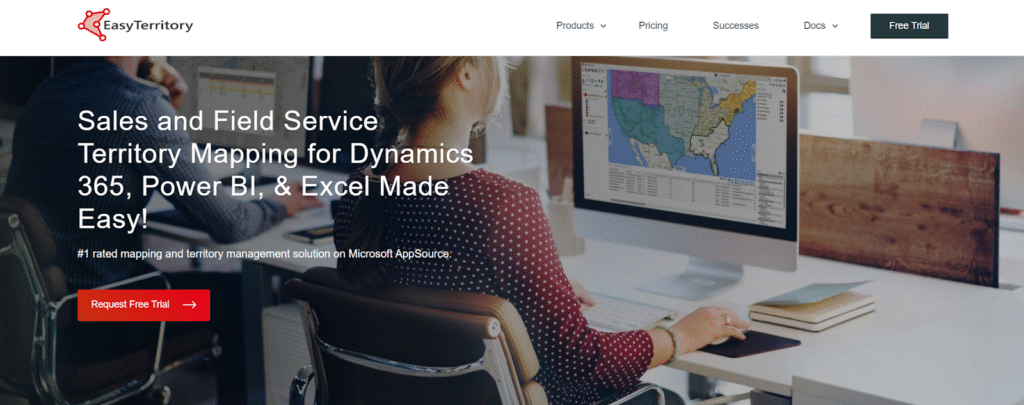
EasyTerritory is a web-based mapping platform for sales territory management and service territory capacity planning. It supports Excel, Power BI, and SQL Azure. Sales managers can develop territories and align or realign reps using interactive mapping with postal codes or country boundaries. The software ships with a wide variety of data including the latest postal codes.
Features
- Create territories from list of locations or geographies
- Automatically realign territories using data
- Manual selection of geographies on the map
- Territory stitching and cropping
- Export territory alignments to spreadsheets
- Territory statistics
Pros: Reliable support, analytics, custom reports
Cons: Focused on territory mapping rather than end-to-end field execution
Industry: Retail, hardware, food and beverage, pharmaceutical
Founded: 2015
Free trial or demo: Free trial
8. SalesRabbit
SalesRabbit streamlines territory assignment and tracks rep progress in real time. Managers get full visibility on a rep’s day: where they have been, where they are, and where they are going. Users control the size, shape, and quantity of areas, and can upload and prioritize leads for optimal routing.
Features
- Sales territory mapping
- Lead generation
- Lead management
- Gamification
Pros: Easy-to-use interface, real-time monitoring, customer details available before visits
Cons: Built mainly around door-to-door and lead-generation workflows rather than distributor-led retail coverage
Industry: Real estate, solar, home security, pest control
Founded: 2013
Free trial or demo: Free demo
9. Mapline
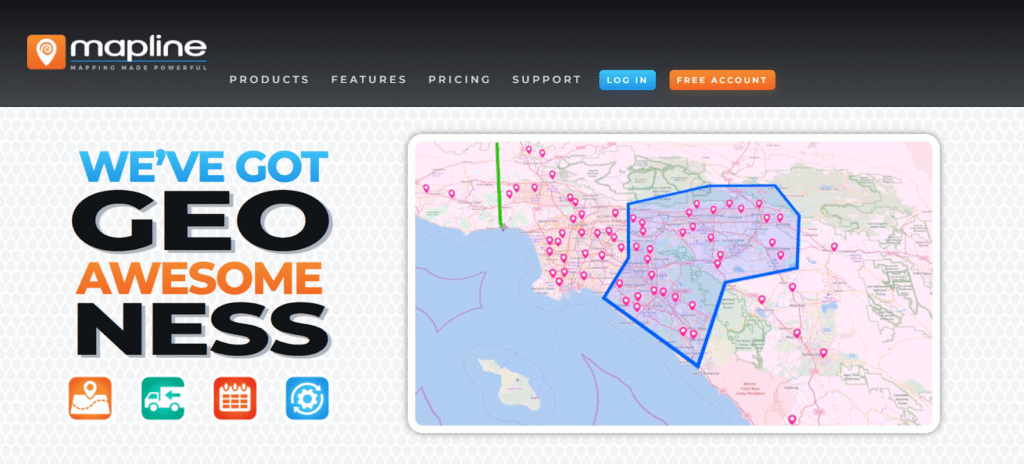
Mapline maximizes the potential of location-based data with interactive maps, custom territories, and detailed segmentations. Users can create projects, optimize routes, and merge territories. The merging tool consolidates boundaries like state or zip into larger territories, and heat maps help pinpoint top-performing regions for data-driven decisions.
Features
- Mapping
- Route optimization
- Dashboards
- Charts and forms
- Dynamic data
Pros: Cost-effective, effective analysis and reporting, robust integration capabilities
Cons: Learning curve and complexity for some users
Industry: FMCG, sportswear, automobile, agriculture
Founded: 2008
Free trial or demo: Free demo
10. eSpatial
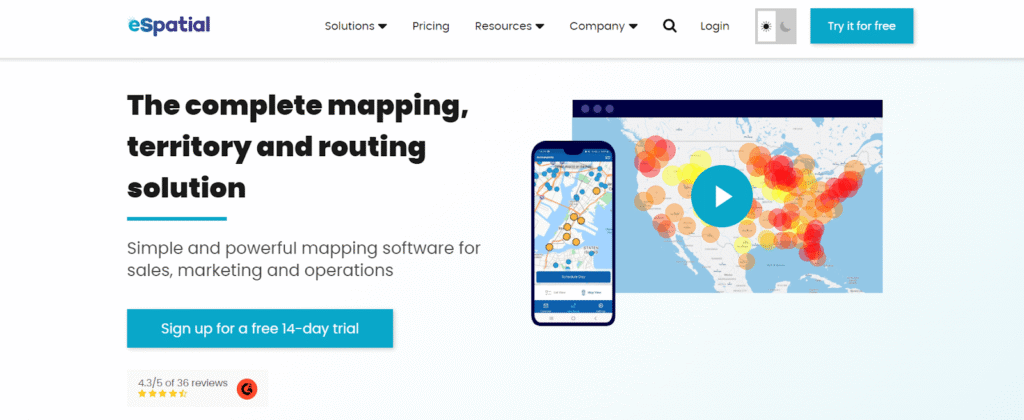
eSpatial accelerates territory design, realignment, and optimization with sales territory mapping software. Tailored for sales, marketing, and operations teams, it allows data visualization through heatmaps, pins, and ZIP code maps. Users can create, adjust, or optimize territories based on workloads or weighted balances, and streamline last-mile operations with route optimization. GIS specialists are available to assist with mapping and data integration.
Features
- Communication tools
- Salesforce integration
- Fast workflows
- Effective filtering
Pros: User friendly, free trial available
Cons: Learning curve for new users, territory design focus rather than visit execution
Industry: Healthcare, manufacturing, software
Founded: 1997
Free trial or demo: Free trial
How to choose the right territory management software
Feature lists look similar across tools. The differences that matter in year two of use show up when you score each shortlisted tool against the same questions. Give each criterion below 0 (no), 1 (partly, or only with another tool) or 2 (yes, natively), then add up the scores. Run the scoring with the people who will use the tool: a sales operations lead, a regional manager and two or three reps.
- Territory design from real data. Can you build territories from outlet potential, outlet type and visit frequency, not only from postal codes or drawn shapes?
- Workload balancing. Does the tool show how many reps and vehicles each territory needs, and flag territories that are overloaded or underused?
- Beat or route planning. Does a territory turn into a daily visit plan for each rep, or do you need a separate route optimization tool?
- Adherence tracking. Can managers see planned versus actual visits per territory, with GPS check-ins and geofencing?
- CRM, SFA and ERP integration. Does territory data flow into your CRM, ERP and distributor systems without manual uploads? A standalone territory tool creates new data silos. BeatRoute Matrix connects 300+ enterprise systems, including SAP and Oracle, so territory changes reach ERP, DMS and CRM records.
- Distributor and channel fit. Can territories map to distributor coverage across general trade and modern trade, not just to individual accounts?
- Field readiness. Will reps use it daily on a phone, including in areas with weak connectivity, and can it run in the languages your teams use?
- Pricing model and rollout. Is pricing per user, per module, per map or a one-time license, and how long does go-live take? Most BeatRoute teams go live in 21 days.
A tool scoring 12 or more out of 16 covers both territory design and daily execution. If a tool covers criteria 3, 4 or 6 only by pairing with another product, score it 1 there; that can still be the right fit for planning teams that already run a field sales app. Zoho CRM and Xactly AlignStar suit territory alignment for inside sales teams. The right choice depends on whether reps visit customers physically or sell remotely. Book a free demo to score BeatRoute against your own territories and beat plans.
Before you buy: clean your outlet data, and know when a spreadsheet is enough
Any territory tool is only as good as the outlet list you feed it. Before a demo, pull one region's list and check three things: every outlet has a usable address or GPS point, each outlet appears once, and each one is linked to the distributor that serves it. Fixing duplicates and missing locations first makes every tool you test look more like it will in real use.
A spreadsheet and a free map tool can be enough for a small team that redraws territories once a year and plans its own visits. They stop being enough when you have many reps, territories that change often, or managers who need to see planned versus actual visits every week. At that point, someone spends part of every week copying data between the map, the visit plans and the order system, and the copies fall out of step.
How to test a shortlist with a pilot
Before you sign an annual contract, run a pilot on one or two territories. It tells you whether reps will use the tool on their real routes, which a demo alone cannot show.
- Pick two similar territories. Run one on the new tool and leave the other on your current way of working, so you have something to compare against.
- Load your real data. Use your own outlet list, visit frequencies and distributor links rather than sample data. Messy addresses and missing outlets show up here, and you want to find them now.
- Agree three measures before day one. Outlets covered, planned versus actual visits and orders per visit are a good start. Write down where each territory stands today.
- Run at least one full visit cycle. Every outlet should get its planned visit at least once on the new plan, so a monthly beat needs a longer pilot than a weekly one.
- Move outlets halfway through. Shift a handful of outlets from one rep to another and time how long the change takes to reach their daily plans.
- Ask the reps. If they still carry a paper list on the side, the tool is not working for them, whatever the dashboard says.
Then score each tool on the 0 to 2 checklist in the section above, with the pilot results in hand. If BeatRoute is on your shortlist, book a demo, bring the outlet list for one or two territories and ask how a pilot would be set up for your team.
Frequently asked questions
What is sales territory management software?
Sales territory management software helps brands split large geographies into manageable sales regions based on geography, account, product line, or rep expertise. It combines mapping, analytics, and field workflows so managers can assign, balance, and track territories.
What is the difference between territory planning and territory management?
Territory planning is the design step: deciding boundaries, which accounts or outlets sit in each territory, and how many reps each one needs. Territory management is the ongoing work after that: assigning reps, turning territories into beat plans, tracking visits and sales per territory, and adjusting when results drift.
What are the benefits of territory management tools?
Well-aligned territories lift sales and cut cost. Reps spend less time on unproductive travel, managers monitor performance with real data, and brands catch leads that would otherwise slip. Automated tools also reduce the admin overhead of realigning territories.
How is BeatRoute different from mapping-only tools?
Mapping tools draw territories; BeatRoute draws them and then runs execution. Store profiling, beat planning, GPS-based visit adherence, and offline field operation are all built in for FMCG, building materials, and manufacturing brands.
Which territory management tool suits inside sales teams?
BeatRoute is built for field sales. For inside sales, Zoho CRM or Xactly AlignStar handles territory alignment. Badger Maps works for hybrid teams.
How often should you rebalance sales territories?
Review territory balance every quarter against rep workload, visit adherence and sales potential, and rebalance when one territory is consistently overloaded or underused. Plan a full realignment at least once a year, and after any distributor change, new channel, or sales force restructuring.
Which platforms support both route planning and territory management for distribution teams?
Field execution platforms such as BeatRoute combine territory design, beat planning and visit tracking with distributor management, so a territory change flows into each rep's daily plan. Mapping tools such as Badger Maps, Maptive and eSpatial also offer route optimization, usually alongside a separate CRM or SFA.